
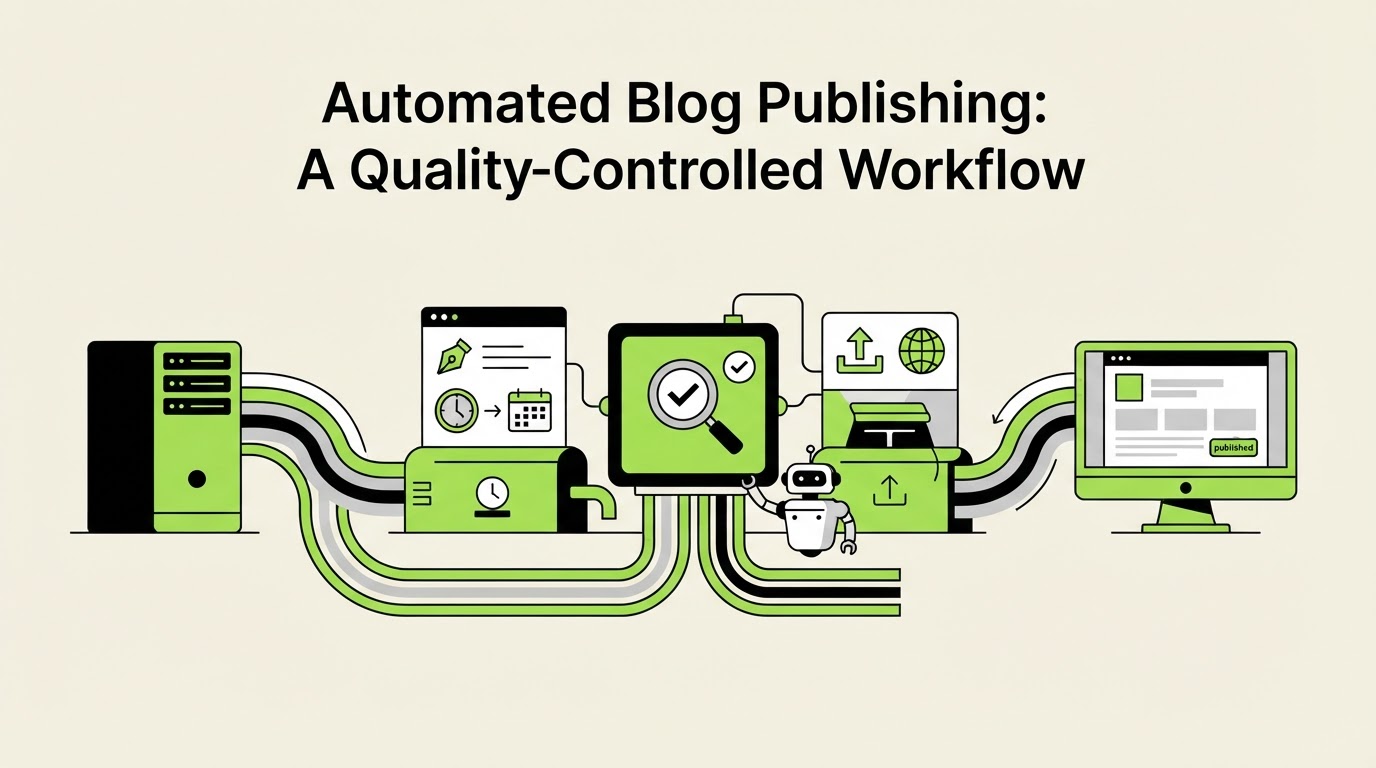
Automated Blog Publishing: A Quality-Controlled Workflow
A growing content calendar can stall when drafts live in documents, editors chase approvals, and published posts lack internal links or a clear search purpose. Automated blog publishing solves the operational bottleneck when every article follows a defined path from topic selection to a checked live URL.
Rankdesk helps teams research, create, review, and publish search-focused articles through one workflow. The goal is consistent publishing that supports Google visibility and gives AI assistants clear, useful pages to reference.
Quick answer: how automated blog publishing works
Use this workflow to publish blog content at scale while retaining editorial control:
- Choose topics from keyword demand, site gaps, product relevance, and buyer questions.
- Build a brief with search intent, source requirements, internal links, and a target URL.
- Create the draft, then check claims, structure, examples, and conversion paths.
- Send approved content to WordPress as a draft or scheduled post with metadata and categories.
- Inspect the published URL, request indexing where appropriate, and track impressions, clicks, and citations.
How to plan automated blog publishing around search intent
Start with a content inventory rather than a list of broad keywords. Export the last 90 days from Google Search Console, group queries by page, and identify themes with impressions but weak click-through rates or no dedicated page. Google’s Search Essentials provide a useful baseline for crawlable, people-first pages.
Each proposed article needs one job. A comparison article can support evaluation. A how-to article can solve an implementation problem. A service page can convert a high-intent visitor. Combining all three purposes usually produces an unfocused page.
Use a simple topic record with the primary question, intended reader, existing page to support, unique evidence to include, and desired next step. This preparation makes automated blog publishing safer because the system has a clear publishing brief rather than a vague subject line.
Consider a fictional B2B accounting firm, Northstar Ledger. Its team sees impressions for “cash flow forecasting for agencies” yet has no page serving that query. They select /blog/cash-flow-forecasting-agencies, set the audience as agency owners, and decide the article should point readers toward a cash-flow advisory service page. The initial brief also requires a worked example with a $85,000 monthly payroll cycle and source links to official tax guidance where applicable.
How to create content that is ready for automated publishing
A ready-to-publish article requires more than readable paragraphs. It needs a useful answer near the opening, specific headings, a coherent internal-link path, and facts that an editor can verify. Google’s guidance on creating helpful, reliable, people-first content is a strong editorial standard for this stage.
For Northstar Ledger, the first draft used generic advice about “improving financial health.” The editor returned it because it failed to explain how an agency should model late client payments and contractor costs. The revised draft added a month-by-month forecasting example, defined the required inputs, and linked to the firm’s advisory page. That revision changed a generic topic into a page with a practical reason to exist.
Set rules before generating or assigning drafts
Document the editorial rules once, then apply them consistently. Specify who can approve claims, what sources are acceptable, which pages deserve internal links, and whether posts go live immediately or enter a scheduled queue.
For regulated, medical, legal, or financial topics, route every draft through a qualified subject-matter reviewer. Publishing speed should follow the risk level of the subject.
Write for Google results and AI assistant citations
Pages that earn visibility in both traditional and AI-driven search usually make core facts easy to locate and assess. Use descriptive headings, clear definitions, concrete steps, first-hand examples, and citations for factual claims. Keep author and company information accessible.
AI assistants may cite sources based on relevance, accessibility, credibility, and the clarity of the answer. No workflow can guarantee a citation. Build pages that deserve one. For a detailed framework, read how to get mentioned by ChatGPT.
Set WordPress controls for automated blog publishing
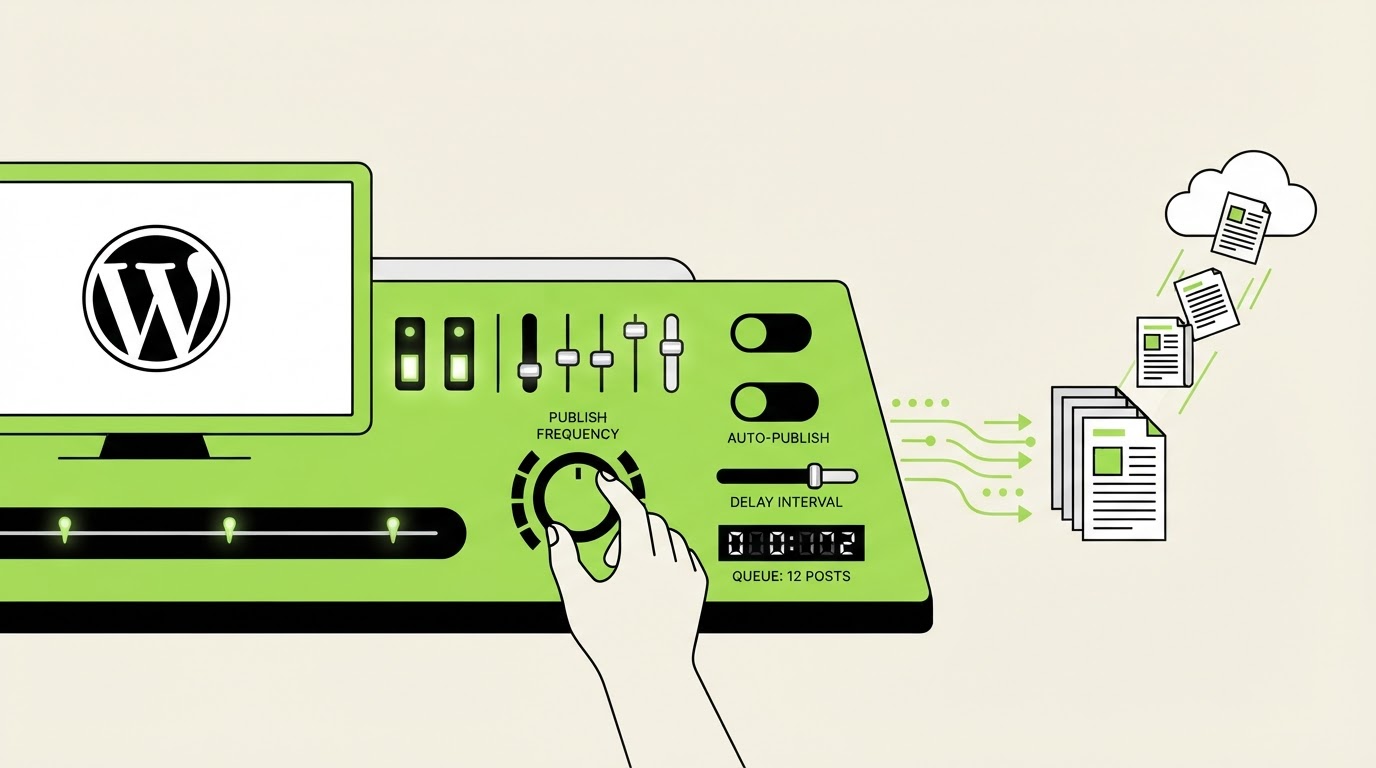
WordPress works well for a controlled publishing flow because posts can enter as drafts, be scheduled, and receive taxonomy and metadata before release. Teams using a custom setup can also work through the WordPress REST API when their permissions and content model support it.
Choose a release mode by risk and editorial capacity:
| Publishing mode | Best fit | Required control | Main risk |
|---|---|---|---|
| Draft creation | New sites and sensitive topics | Human editor approves every article | Queue can grow faster than reviews |
| Scheduled publishing | Established editorial process | Final review occurs before the scheduled date | Stale references can remain in a long queue |
| Direct publishing | Narrow, repeatable low-risk templates | Automated checks plus periodic audits | Errors can reach readers quickly |
For Northstar Ledger, draft creation is the right first choice. The team can inspect headings, service links, and tax references before assigning a publish date. Once the workflow shows consistent quality across several cycles, selected lower-risk educational posts can move to scheduled publishing.
Keep WordPress categories deliberately small. Use tags only when they create a real archive experience for readers. Also confirm the permalink structure before publishing at scale. Changing URLs after dozens of posts creates needless redirect work.
For a deeper publishing checklist, use this automated SEO content pre-publishing guide.
How Rankdesk supports a WordPress publishing workflow
Rankdesk brings the planning and publishing stages together so teams spend less time moving content between research tools, documents, and their CMS. See the available workflow components on the Rankdesk features page and connect a site through the WordPress integration.
For the Northstar Ledger article, the workflow would run in this order:
- Add the topic and target search intent, then use site and competitor context to shape the brief.
- Create the article with the planned URL, required sections, worked example, and internal-link opportunities.
- Review the draft against the firm’s approval rules. Check every number, source, legal statement, and service claim.
- Send the approved version to WordPress, selecting draft status while the editor completes the final CMS review.
- Add the featured image, category, author details, and final meta fields in WordPress, then schedule publication.
- Revisit performance data and update the article when reader questions or search-query patterns reveal a gap.
This process makes the handoff visible. An editor can see where a page came from, what it is meant to rank for, and why each internal link exists. Teams with a headless or custom publishing stack can use the AI content publishing API guide to plan an equivalent controlled handoff.
Common automated blog publishing mistakes
The biggest failures occur upstream of the publish button. A weak brief produces a weak draft quickly, and a weak publishing rule distributes that draft quickly.
Publishing near-duplicate posts is a frequent issue. Northstar Ledger could easily create separate articles for “agency cash-flow planning,” “cash-flow forecasting for agencies,” and “forecast cash flow at an agency.” One comprehensive page with clearly scoped sections is usually the stronger choice until search data shows distinct intent.
Another failure mode is publishing articles without a maintenance owner. Assign an owner and a review date to every high-value page. Update product details, legal guidance, examples, and internal links when they change.
Avoid treating volume as the operating metric. Track indexed pages, impressions, qualified organic visits, assisted conversions, and useful references from AI search where your analytics can identify them. Then improve pages with real evidence of demand.
Teams comparing platforms can review Rankdesk vs RankPill or Rankdesk vs Outrank for publishing and integration considerations.
FAQ about automated blog publishing
Can automated blog publishing help Google rankings?
It can support rankings when it produces useful pages that match search intent, meet technical requirements, and receive editorial review. Publishing frequency alone offers little value. Focus on topic selection, page quality, internal links, and ongoing updates.
Should every automated blog post publish directly to WordPress?
Use direct publishing for proven, low-risk formats with strong automated checks. Send new topics, expert-led articles, and regulated content to draft status first. This keeps the team in control of factual accuracy and brand claims.
How often should a business publish blog posts automatically?
Set a pace your team can review and maintain. A schedule of two well-researched posts per month can outperform a larger volume of thin or overlapping pages. Expand the schedule after the review queue and quality controls are stable.
Can automated publishing improve citations from AI assistants?
Clear, well-sourced pages can improve the chance that AI systems find and reference your content. Use direct answers, visible expertise, original examples, and stable URLs. Track referral patterns and branded searches alongside standard organic performance.
If you want a more consistent way to plan, write, and publish search-focused content, see how Rankdesk works. It researches your site, competitors, and keywords, then creates articles and landing pages for review or automated publication.
Start auto-writing for your site today
Create a free account, connect your site and generate your first article in minutes. No credit card needed.