

AI Content Writer for WooCommerce: Plan, Write, and Publish
| Your WooCommerce store may have hundreds of products but only a few pages that answer the questions customers ask before buying. |
|---|
| Thin category copy, repeated product descriptions, and an inactive blog leave Google and AI assistants with little useful material to cite. |
| Rankdesk helps WooCommerce teams research, create, and publish search-focused content through WordPress without rebuilding that process for every article. |
Quick answer: how to use a WooCommerce AI content writer
Use this workflow to create content that supports product discovery and sales:
- Audit existing product, category, landing, and blog pages.
- Choose a keyword and map it to the correct page type.
- Collect product facts, customer questions, and competitor gaps.
- Generate a draft with a clear brief and conversion path.
- Review every claim, link, image reference, and recommendation.
- Publish through WordPress with titles, metadata, and internal links.
- Measure impressions, rankings, sales assists, and AI citations.
The sections below apply that workflow to a fictional store, Northstar Coffee, which sells brewing equipment at northstarcoffee.example. Its ceramic pour-over set ranks poorly because the store has a short product page but no supporting guide for shoppers comparing brewing methods.
How to choose pages for WooCommerce AI content writing
Start with an inventory. Export the last 90 days from Google Search Console, then list your indexed product pages, category pages, guides, and campaign landing pages. Record impressions, clicks, target topic, search intent, and the product each page supports.
Do not generate articles until you know whether an existing page should rank. If Northstar Coffee already has /collections/pour-over-coffee-makers/, publishing a second landing page for the same commercial term could split relevance between two URLs. The better move is to improve that category page and create supporting content for narrower informational searches.
For the running example, the page plan looks like this:
| Page type | Example URL | Search intent | Content job | Primary conversion |
|---|---|---|---|---|
| Product page | /product/ceramic-pour-over-set/ | Transactional | Explain specifications, use, shipping, and suitability | Add to cart |
| Category page | /product-category/pour-over-coffee-makers/ | Commercial | Compare available brewers and help shoppers narrow options | View product |
| Buying guide | /guides/how-to-choose-a-pour-over-coffee-maker/ | Commercial research | Compare materials, sizes, filters, and brewing effort | Visit category |
| Tutorial | /guides/how-to-make-pour-over-coffee/ | Informational | Teach the brewing process with the store's products | View recommended kit |
This separation gives each URL a defined role. It also makes internal linking more useful because the tutorial can recommend the buying guide, while the buying guide can send qualified shoppers to the category and product pages.
How a WooCommerce AI content writer researches keywords
Select one main intent for each page before generating a title or outline. A phrase such as “best pour-over coffee maker for beginners” calls for comparison and selection criteria. “How to use a ceramic coffee dripper” needs instructions, measurements, and troubleshooting. Sending both topics to one page usually produces a broad draft that satisfies neither search.
Use Search Console data to find queries already receiving impressions. Then inspect the results manually. Note whether Google favors products, category pages, videos, articles, or forum discussions. Search volume alone will not tell you what page format has a realistic chance to rank.
For Northstar Coffee, the existing product page receives impressions for questions about filter size and cleaning. Those details belong on the product page because they affect purchase confidence. A broader comparison of ceramic, glass, plastic, and metal brewers belongs in the buying guide.
Competitor research should identify missing subtopics rather than produce a disguised rewrite. Record the comparison criteria competitors cover, the evidence they provide, and the questions they leave unanswered. The practical workflow in using an AI content writer with competitor research explains how to turn that review into an original brief.
How to give a WooCommerce AI content writer reliable inputs
A generated draft cannot know whether a dripper weighs 420 grams, accepts standard size-two filters, or is safe for a dishwasher unless those facts appear in the source material. Gather the approved information first.
For the Northstar Coffee guide, the source pack should include product specifications, care instructions, packaging details, warranty terms, shipping regions, photographs, and staff notes from actual brewing tests. Add the questions received through support tickets or pre-sale email. Remove personal information before sharing customer messages.
Keep uncertain claims out of the brief. If the team has not tested whether ceramic retains heat longer than a specific metal brewer, the article should explain the general material considerations without declaring a winner. Unsupported certainty is a common failure mode in generated ecommerce copy.
The same rule applies to health, safety, sustainability, and compatibility statements. Review them against primary documentation. Google recommends content that provides original value and clear evidence in its guidance on creating helpful, reliable, people-first content.
How to draft WooCommerce AI content that supports sales
Build the outline around the decision a reader needs to make. For a buying guide, that means explaining selection criteria before presenting products. For a tutorial, give the complete process before adding related recommendations.
Northstar Coffee's buying guide should open with who pour-over brewing suits, then cover capacity, filter availability, heat retention, durability, cleaning, and travel use. The ceramic set can appear where it genuinely fits those criteria. A forced product mention in every section weakens the guide.
Write the conversion path into the brief. The introduction can link to the pour-over category for readers who already know what they want. The material comparison should link to relevant products. The final recommendation should explain which brewer suits a beginner, a frequent traveler, or someone making two cups at once.
Use descriptive anchor text rather than repeated commercial keywords. Keep important buying information in visible page copy instead of hiding it in images. When product details change, update the product page first and then revise every supporting article that repeats the information.
For more examples of connecting editorial content to products, see the guide to an AI blog writer for ecommerce.
How to review and publish AI content in WooCommerce
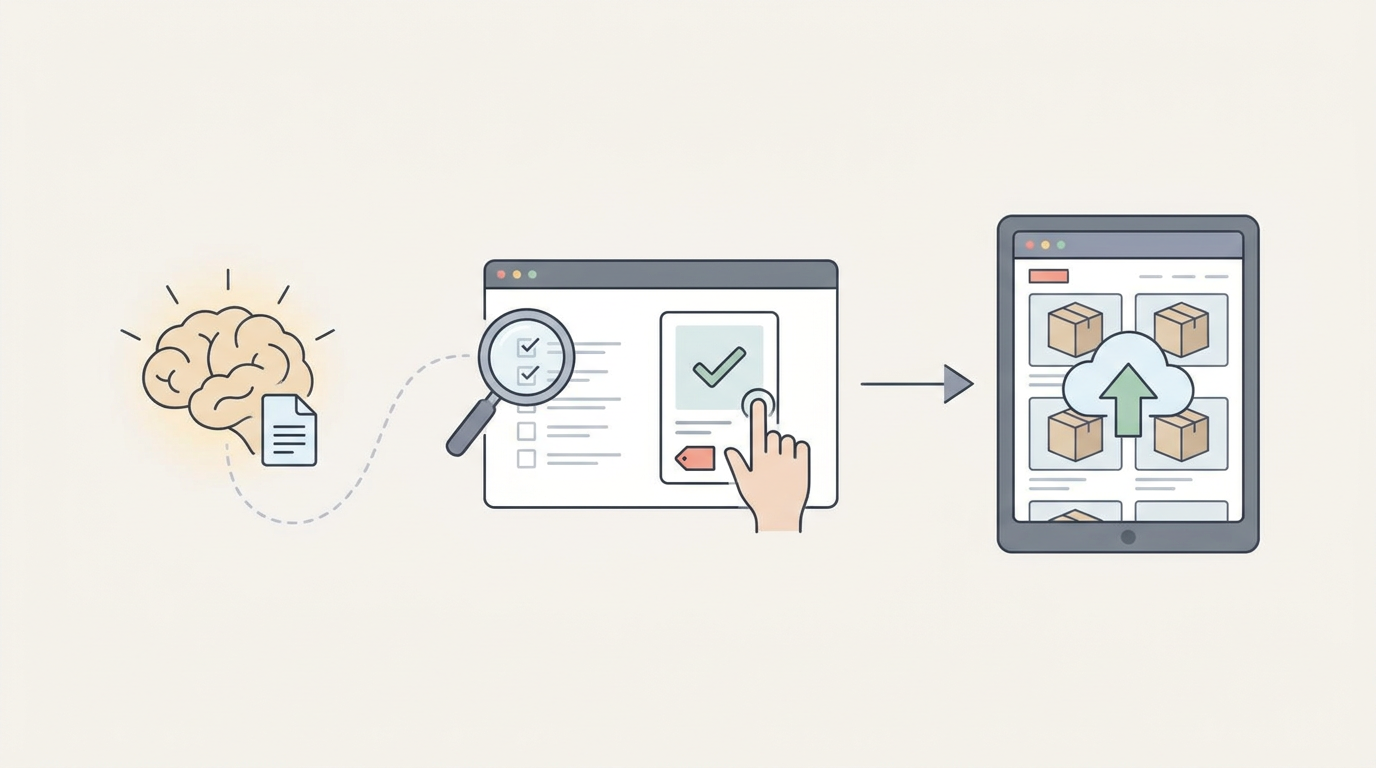
Treat the generated page as a working draft. Verify specifications against the WooCommerce catalog, test every internal link, and read instructions in the order a customer would follow them. If the article recommends 20 grams of coffee but later uses a ratio based on 15 grams, fix the inconsistency before publishing.
Check the title, URL, H1, description, image alt text, and canonical URL. Add Product structured data to product pages only when the visible content supports it. Google's Product structured data documentation explains the required and recommended properties, including price and availability information.
Publish through WordPress and preview the mobile version. WooCommerce stores often accumulate theme components, product blocks, pop-ups, and recommendation widgets that push the useful copy down the page. A clean draft can still become a poor page after it enters the template.
If you need a repeatable production sequence, follow this practical SEO content automation workflow. Rankdesk also documents its supported publishing connections on the integrations page.
How Rankdesk works as a WooCommerce AI content writer
A manual workflow becomes expensive when each article requires separate keyword research, competitor review, drafting, formatting, and WordPress entry. Rankdesk removes much of that repeated production work while leaving review and business decisions with your team.
The process begins with research into your site, competitors, and keywords. For Northstar Coffee, that context helps distinguish the existing product page from the missing buying guide rather than treating every keyword as a request for another generic article.
Rankdesk then creates an article or landing page around the selected opportunity. The draft can connect the informational topic to the relevant WooCommerce category and product URLs. Your team reviews specifications, recommendations, positioning, and links before approving it.
After review, publish through the WordPress integration or use automatic publishing when the workflow is established. The Rankdesk features page covers the research, writing, and publishing stages, while how Rankdesk works shows the order users encounter them.
This matters for stores with a long content backlog. Automation can reduce repetitive handling, but it should not remove the product expert who knows why a recommendation is accurate, which stock is changing, or which claims the business can support.
What to compare in a WooCommerce AI content writer
Check whether a platform stops at draft generation or carries the work through research and publishing. Copying text from a standalone generator into WordPress may be acceptable for one monthly article. It becomes a bottleneck when you manage multiple categories, seasonal campaigns, and weekly publishing.
Also check how the tool handles site context, competitor analysis, internal links, review, and WordPress publishing. Ask to see the complete workflow using one real topic from your store. A polished sample with no connection to your catalog is not enough.
Outrank and RankPill are alternatives teams may assess alongside Rankdesk. Compare current capabilities and pricing on each vendor's own site, but test output against the same brief and source pack. The Rankdesk and RankPill comparison provides a closer look at publishing and integration differences.
How WooCommerce content can earn Google rankings and AI citations
Search visibility and citations from ChatGPT or Claude cannot be guaranteed. You can improve eligibility by publishing clear, indexable pages with specific claims, identifiable products, consistent company information, and useful answers that other sources can verify.
For Northstar Coffee, “our brewer is amazing” offers little citation value. A page specifying capacity, filter size, material, cleaning steps, included accessories, and the type of user it suits gives search systems concrete information to interpret. Keep those facts consistent across the product page, buying guide, merchant listings, and organization profiles.
Use Search Console to monitor indexing, impressions, query growth, and page-level clicks. Separately test whether major AI assistants mention the store for relevant non-branded questions, record the cited URLs, and repeat those checks periodically. Do not treat one personalized response as stable visibility.
This Google explanation provides useful context on how crawling, indexing, and serving results fit together:
The guide on how to get mentioned by ChatGPT covers entity consistency, quotable information, and measurement in more detail.
WooCommerce AI content writer FAQs
Can an AI content writer add products directly to WooCommerce?
That depends on the platform and integration. Rankdesk is positioned for researching, writing, and publishing SEO articles and landing pages through WordPress. Do not assume that editorial publishing includes inventory management, pricing updates, order handling, or product creation unless the integration documentation explicitly says so.
Should I use AI to rewrite every WooCommerce product description?
No. Prioritize products and categories with search demand, meaningful differentiation, or weak existing information. Rewriting hundreds of descriptions without better specifications, use cases, comparisons, or customer guidance creates more text but not necessarily more value.
Can WooCommerce articles be published automatically?
Yes, once the WordPress connection and publishing workflow are configured. Start with review required. Check several published pages for formatting, factual accuracy, internal links, and template behavior before allowing automatic publishing for well-defined content types.
How often should a WooCommerce store publish SEO content?
Choose a pace your team can research, review, and maintain. Three useful pages per month are better than fifteen generic posts disconnected from the catalog. Increase frequency after the workflow produces accurate pages and existing content receives timely updates.
Will generated WooCommerce content get cited by ChatGPT or Claude?
No tool can promise citations. Clear factual writing, consistent entity details, crawlable pages, original product knowledge, and references from reputable third parties can improve the chances. Measure citations alongside rankings and conversions rather than treating them as a separate publishing goal.
If you want a consistent way to research, write, and publish search-focused WooCommerce guides and landing pages, see how Rankdesk supports the workflow. It researches your site, competitors, and keywords, then creates pages you can review or publish automatically. Read next: AI Content Writer for Ghost: Plan, Write, and Publish SEO Pages.
Start auto-writing for your site today
Create a free account, connect your site and generate your first article in minutes. No credit card needed.