
Blog Automation Software: Plan, Write, and Publish
A blog schedule usually breaks when research, drafting, optimization, and publishing live in separate tools. Articles stall in documents, internal links get missed, and approved drafts wait days to reach the CMS.
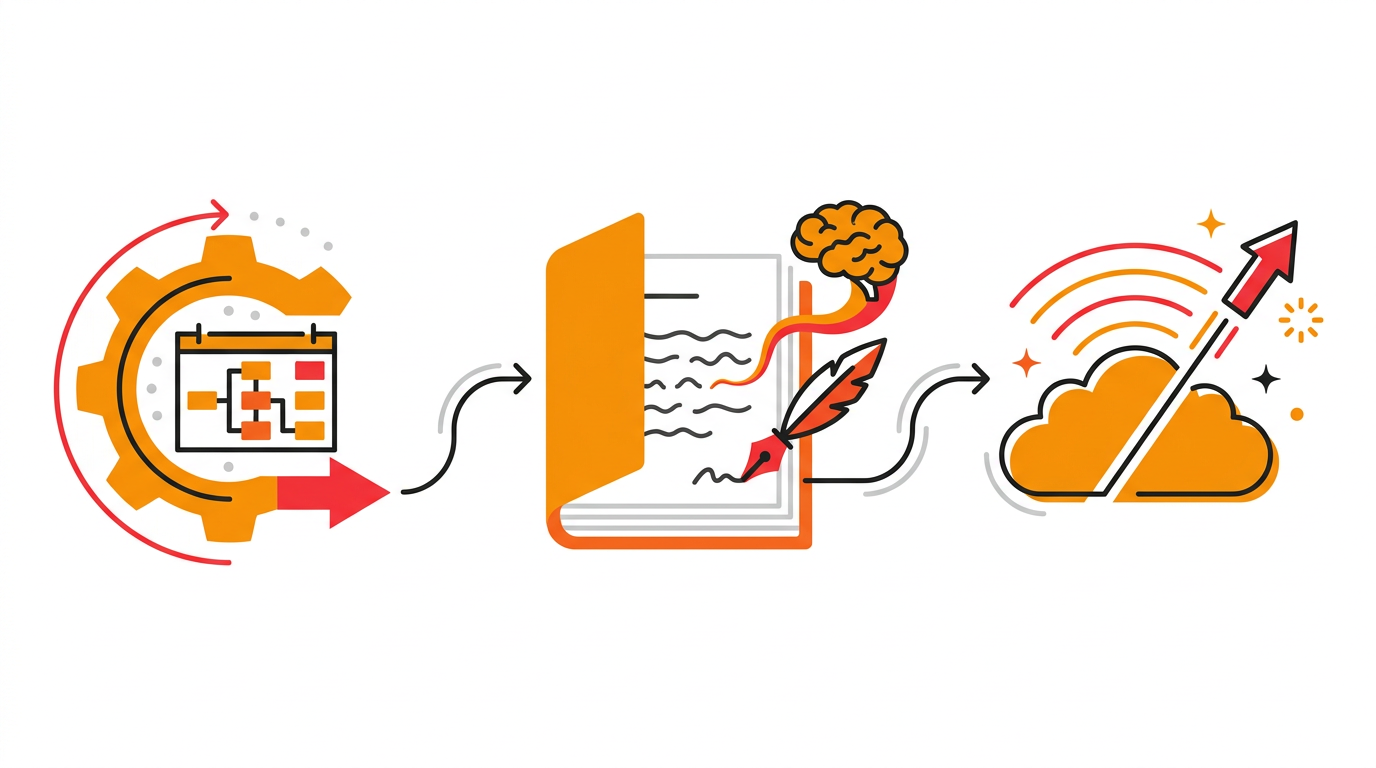
Blog automation software connects those tasks into one repeatable workflow. Rankdesk is built around that full process, including research, writing, review, and publishing rather than draft generation alone.
Blog automation software: the quick answer
Use this workflow to automate a blog without giving up editorial control:
- Set a measurable search goal and publishing frequency.
- Connect your website or supported publishing platform.
- Research keywords, competitors, and existing site coverage.
- Group topics by search intent and business relevance.
- Generate a structured article with evidence and internal links.
- Review factual claims, brand language, formatting, and search intent.
- Publish automatically or approve each article before it goes live.
- Monitor indexing and performance, then refine future topics.
The software should reduce repetitive production work while preserving clear checkpoints for decisions that affect accuracy, positioning, and site quality.
What blog automation software should actually automate
Drafting is only one part of blog production. If a tool produces text but leaves topic selection, briefs, links, formatting, CMS entry, and scheduling to your team, it has shortened one task rather than automated the workflow.
Effective blog automation software should cover four operating stages: research, production, quality control, and publishing. It should identify relevant topics based on the website and its competitors, turn those topics into useful pages, provide a review path, and move approved work into the publishing platform.
Consider an illustrative WordPress retailer selling outdoor cooking equipment. Its team wants to publish https://www.example.com/blog/best-portable-pizza-oven and support a portable pizza oven category page. A draft-only tool might write the article, but an end-to-end system also needs to recognize the commercial relationship, avoid competing with the category page, add a contextual internal link, and prepare the post for WordPress.
That final mile matters. Copying a draft into WordPress can introduce broken heading levels, missing links, incorrect slugs, and inconsistent metadata. Multiply those small errors across three posts a week and editorial cleanup becomes a permanent job.
For a closer look at the complete production process, see this practical SEO content automation workflow.
How to set up blog automation software around search intent
Start with the pages that already make money or generate qualified leads. Export the last 90 days of Search Console data first, then identify commercial pages that need stronger informational support.
For the outdoor cooking example, the broad topic “pizza ovens” is too vague. It could indicate a category shopper, a person looking for recipes, or someone researching fuel types. The planned article about portable models has a clearer role: answer comparison questions and direct suitable readers toward the product category.
Map one primary intent to each planned URL. If the category page already targets “portable pizza ovens,” do not instruct the software to publish an informational page with the same purpose. Use a narrower angle such as choosing an oven for camping, comparing fuel options, or understanding cooking surface sizes.
The topic queue should balance three factors:
- Relevance to products, services, or expertise
- A distinct search intent not already served by the site
- Enough first-party knowledge to produce a credible answer
- A logical internal link destination
- A format that can stay useful after publication
Do not approve a keyword simply because a tool found it. A high-volume topic with no connection to the business creates maintenance work and attracts readers who are unlikely to take the next step.
Google's Search Essentials explain the technical and spam-related requirements that pages need to meet to appear in Google Search. Automation does not create an exemption from those requirements.
How automated blog publishing works with WordPress
Once the content plan is defined, connect the software to WordPress and decide where approval happens. The safest initial setup sends completed articles to draft status. This lets an editor inspect the rendered post, not just the text inside the writing interface.
Use a staging or low-risk content category for the first test. Publish one article manually before enabling a recurring schedule. Check the title, URL, heading hierarchy, links, lists, metadata, author, featured image behavior, and publication date.
In the example, the planned URL is /blog/best-portable-pizza-oven. The editor notices that WordPress has generated /best-portable-pizza-ovens-2026, which adds an unnecessary date and changes the approved slug. Catching that issue before launch avoids a redirect or a mismatched internal link later.
WordPress supports post revisions, which can help editors inspect and restore earlier versions. Revisions are useful protection, but they do not replace a defined approval process.
Rankdesk supports publishing workflows for WordPress alongside other platforms listed on its integrations page. Match the connection method to the CMS, then test with one post before increasing frequency.
How to review automated SEO articles before publishing
Editorial review should focus on risks that software cannot resolve from wording alone. Verify product facts, legal or medical implications, original opinions, quoted material, and claims about competitors. Open every link.
Read the introduction against the search result you want to satisfy. If someone searching for portable pizza ovens needs size, fuel, weight, and cooking capacity comparisons, an opening built around the history of outdoor cooking wastes their time.
For the example article, the editor should also confirm that the piece does not pretend to have tested products when no test occurred. Specifications can be compared from verified source material. First-hand performance claims require actual use.
Check whether the article contributes information that a generic summary would miss. Useful additions could include the retailer's method for measuring usable cooking area, compatibility notes from support questions, or a decision chart based on campsite restrictions. Remove unsupported specificity rather than making the prose sound more certain.
Internal links also need editorial judgment. Link the article to the relevant oven category, a fuel comparison, and any setup guide that helps the reader continue. Avoid inserting five links to loosely related posts just to hit a quota.
Teams managing several brands can adapt the review levels described in AI-assisted content production for agencies. High-risk industries should require approval for every page. A retailer publishing stable educational topics may approve a template and spot-check routine posts after the workflow proves reliable.
Blog automation software comparison checklist
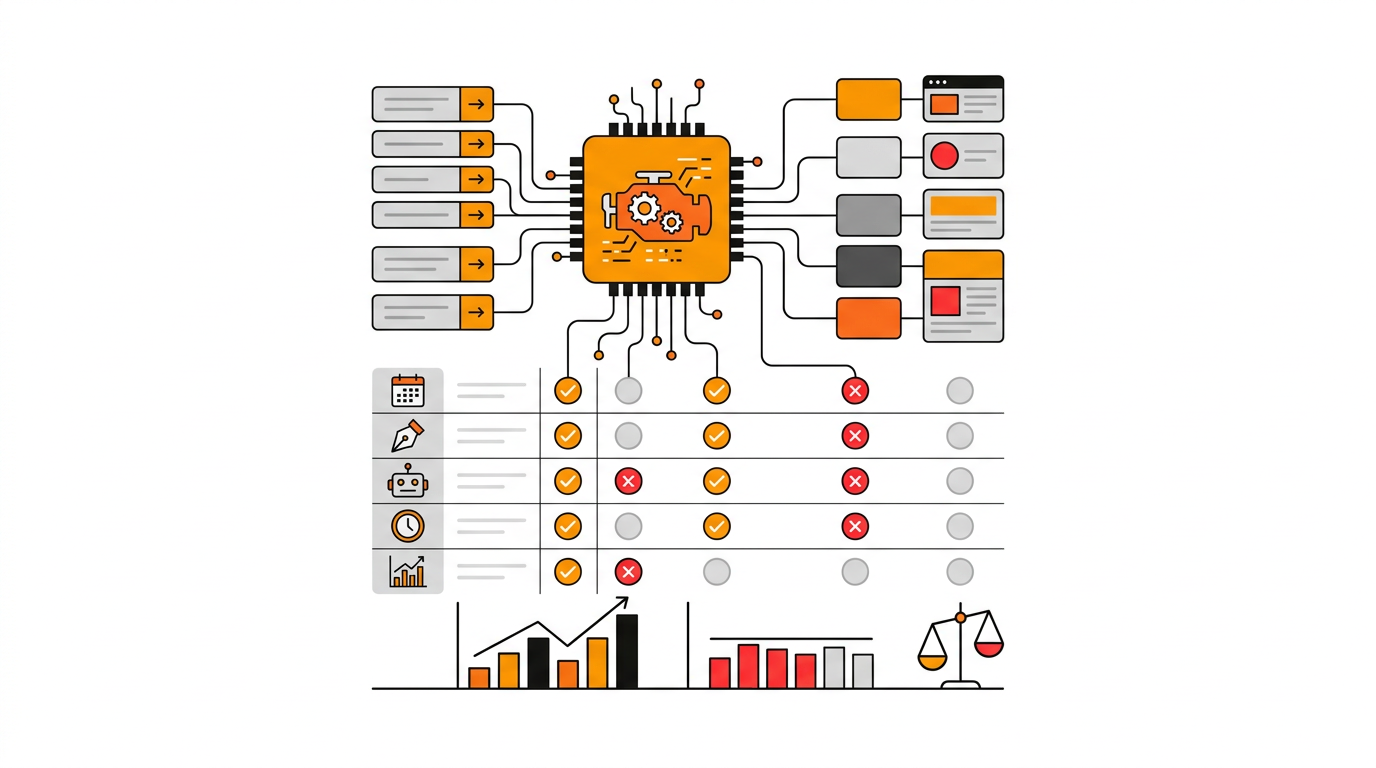
Compare products using a live topic from your own site. Run the same intended page through Rankdesk, Outrank, RankPill, and any other shortlisted product, then inspect how much work remains between the generated output and a publishable URL. Competitor names should not decide the test. Workflow coverage should.
| Software approach | Research included | Editorial control | CMS publishing | Best fit | Main trade-off |
|---|---|---|---|---|---|
| Draft-only writing tool | Usually limited to prompts | Draft review | Manual copy and paste | Occasional articles | Production still spans several tools |
| CMS scheduling plugin | No topic or competitor research | Final CMS review | Native scheduling | Teams with finished content | Does not create or plan the article |
| End-to-end blog automation software | Site, topic, and competitor inputs | Review or automatic publishing | Direct supported-platform workflow | Recurring search-focused publishing | Requires careful setup and topic governance |
| Custom internal workflow | Defined by the team | Fully configurable | Built through internal systems | Large teams with engineering support | Higher build and maintenance burden |
Request a full workflow demonstration rather than judging the text editor. Ask where research comes from, how existing pages are considered, whether you can stop automatic publishing, and what happens when a connection fails.
Pricing should be assessed against the complete operating cost. A low subscription can still be expensive if each article needs an hour of formatting and CMS entry. Review Rankdesk pricing for current plan details, and check every other vendor's own pricing page before making a budget comparison.
If RankPill is on the shortlist, this Rankdesk and RankPill comparison explains the practical differences to inspect without reducing the decision to output volume.
How Rankdesk handles blog automation from research to publishing
A do-it-yourself workflow requires someone to move information between keyword tools, competitor pages, writing documents, review comments, and WordPress. Rankdesk removes those handoffs in the order they normally occur.
First, it researches the website, competitors, and relevant keywords. That context helps build topics around the site's actual products and existing coverage instead of treating every keyword as an isolated writing prompt.
Next, it creates search-focused articles and landing pages. For the outdoor cooking example, the intended output is not merely “an article about pizza ovens.” It is a page with a defined informational purpose, a planned URL, and a connection to the commercial category.
The team can then review the result. An editor can correct specifications, adjust positioning, inspect links, and make sure the article reflects what the business can genuinely support. Review remains available because not every site should send every draft directly to production.
Finally, Rankdesk can publish to a supported platform automatically. WordPress users avoid the copy, paste, reformat, and schedule loop, while teams that need tighter oversight can review before publication. The Rankdesk features page covers the research, writing, and publishing stages, and how Rankdesk works shows the sequence from onboarding to a published article.
This approach is most useful when the goal is consistent publication. A business producing one thought-leadership article each quarter may prefer a manual editorial process. A team building a durable library of search-focused pages benefits more from a connected system.
Can blog automation help earn citations from AI assistants?
It can improve the conditions for being cited, but no software can guarantee a mention from ChatGPT, Claude, Google, or another answer engine. Citation decisions depend on the query, the system's available sources, and whether the page offers a clear, credible answer.
Automated publishing helps by making useful coverage more consistent. The content still needs identifiable expertise, accessible pages, precise claims, descriptive headings, and enough context for a system to understand the entity being discussed.
For the pizza oven article, a generic list of products is easy to replace. A clearly explained method for comparing packed dimensions, usable cooking surface, fuel availability, and campsite restrictions gives search systems something specific to interpret and reference.
Google states that the same foundational SEO practices apply to its AI search features. Keep important content indexable, use accurate structured data where appropriate, and make sure cited claims are visible on the page.
Read the guide to earning mentions from ChatGPT for a deeper entity and source workflow. The related generative engine optimization software guide explains how this work fits alongside conventional search optimization.
Common blog automation software mistakes
Publishing too quickly is the most visible failure mode. A team connects WordPress, queues dozens of broad topics, and discovers later that several posts overlap existing service or category pages. Start with three tightly scoped articles and inspect the result.
Another mistake is removing the editor before the rules are stable. Automatic publishing works best after the team has tested URL conventions, internal linking, factual review, post status, and formatting. Increase autonomy gradually.
Thin topic variation also causes problems. Publishing separate pages for “portable pizza oven,” “small portable pizza oven,” and “compact pizza oven” may create three weak pages serving the same need. Consolidate them into one strong resource unless the products and reader decisions are genuinely different.
Finally, do not treat publication as the end of the process. Inspect indexing, impressions, queries, and internal link paths. Update pages when products, regulations, platform behavior, or search intent changes.
Blog automation software FAQ
Is blog automation software safe for SEO?
Yes, when it produces useful, accurate pages for people and follows search engine policies. Risk comes from scaled low-value output, unsupported claims, duplicate intent, and weak oversight, not from automation by itself.
Can I automatically publish blog posts to WordPress?
Yes. Rankdesk supports WordPress publishing, and you can choose a workflow that includes review before a post goes live. Test one draft first so you can verify slugs, formatting, links, authorship, and post status.
Should every automated article require human review?
Require review while setting up the workflow and for topics involving sensitive claims, changing facts, or strong brand opinions. Lower-risk content can move toward automatic publication once templates, sources, linking rules, and CMS behavior have been tested.
Does automated content rank on Google?
Automation does not determine rankings on its own. The published page still needs to satisfy search intent, provide useful information, remain technically accessible, and compete with the alternatives already available to searchers.
Can blog automation software create landing pages too?
Some systems can. Rankdesk creates articles and landing pages, which is useful when informational posts need to support commercial pages without duplicating their search intent. Define the role of each URL before generating either format.
How often should an automated blog publish?
Choose a frequency your site can review and maintain. Three strong posts per week are more useful than daily pages that repeat topics or contain unchecked claims. Begin with a small queue, inspect performance, and expand only when quality remains stable.
If you want a more consistent way to plan, write, and publish search-focused content, see how Rankdesk supports blog automation. It researches your site, competitors, and keywords, then creates articles and landing pages you can review or publish automatically. Read next: Content Marketing Automation Software.
Start auto-writing for your site today
Create a free account, connect your site and generate your first article in minutes. No credit card needed.