
How to Auto Publish Blog Posts Without Creating an Editorial Mess
September 28, 2026
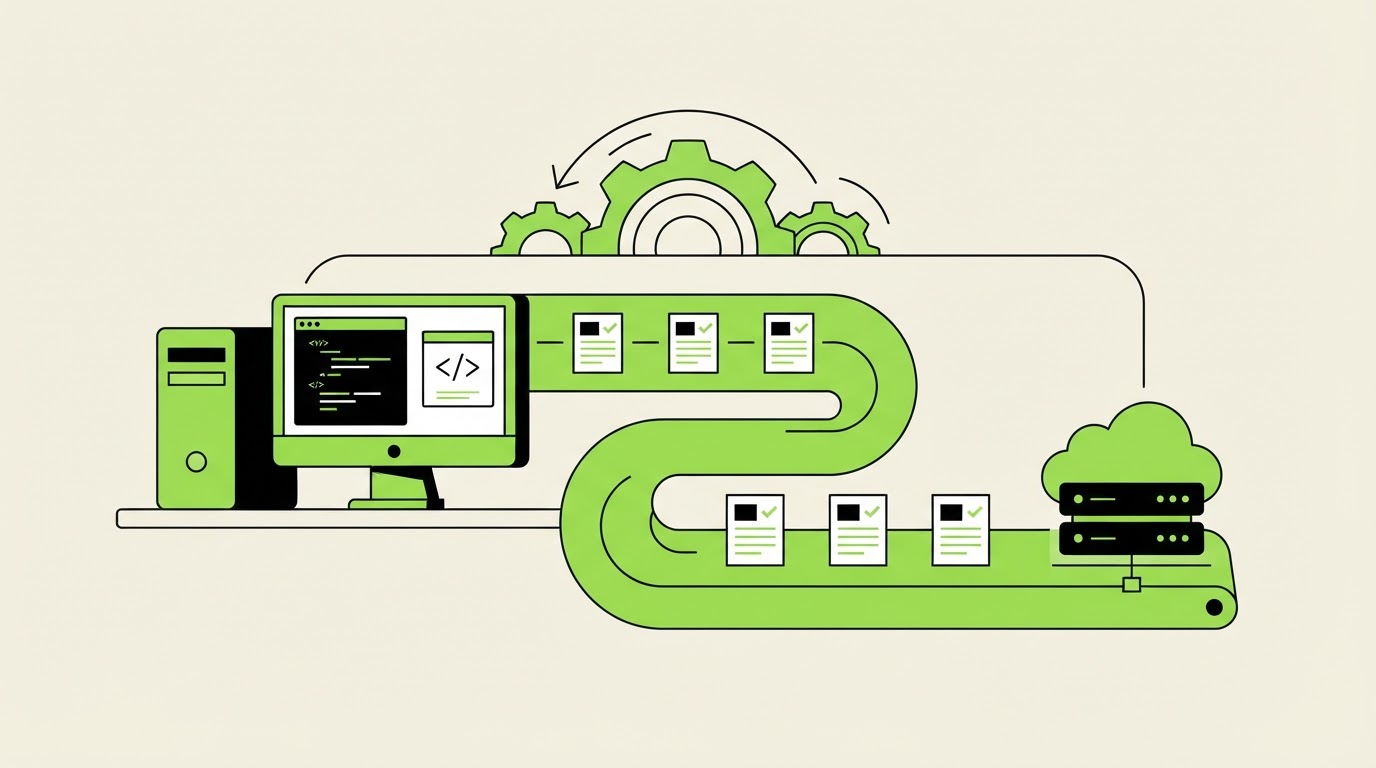
A full publishing queue can turn into a liability when drafts use the wrong service details, target overlapping searches, or go live with broken internal links. The problem gets worse when several posts are scheduled before anyone sees how they fit together.
You can auto publish blog posts safely by treating publishing as the final gate in a controlled workflow. Rankdesk helps connect research, article creation, editorial review, and publishing, while WordPress supplies the scheduling and live-site controls.
Quick answer: how to auto publish blog posts safely
- Set topic rules, audience, voice, approved claims, and excluded subjects before generating briefs.
- Research one search intent per article and map each topic to a unique URL and internal-link destination.
- Create drafts in batches, then assign every draft a human review status.
- Run a pre-publication quality check for accuracy, on-page SEO, links, metadata, and brand requirements.
- Schedule approved posts in WordPress with a paced calendar, then inspect each published URL and measure results.
Build the rules before you auto publish blog posts
Automation needs boundaries that a reviewer can apply consistently. Start with a short editorial operating sheet. Keep it in the same workspace where your content briefs and drafts are managed.
For a WordPress site, define the following before filling a calendar:
- The audience, commercial focus, and topics the site can support with firsthand knowledge
- Approved product names, service areas, pricing language, compliance statements, and source requirements
- A fixed URL pattern, category structure, author format, and featured-image standard
- Review owners for factual claims, legal or regulated topics, and final publishing approval
- Publishing frequency by topic cluster rather than a single sitewide volume target
Use a clear state system: Researching, Draft ready, Editorial review, Approved, Scheduled, Published, and Refresh needed. A status field creates an audit trail. It also stops an unfinished draft from reaching the scheduling queue.
Google evaluates whether content is useful, reliable, and created for people. Its guidance on creating helpful, reliable, people-first content is a useful standard for every automated workflow. Build that standard into the brief and review gate instead of leaving it to a final skim.
Worked example: a local accounting firm's WordPress blog
Consider an illustrative firm, Harbor Ledger Accounting, serving small businesses in Portland. Its site has a pillar page at /small-business-tax-services/ and an existing article at /blog/quarterly-tax-estimates/.
The team plans three posts for May: bookkeeping cleanup before tax filing, choosing an entity structure, and handling quarterly estimated tax payments. During research, the quarterly-tax topic overlaps heavily with the existing article. Publishing a second near-identical URL would split internal links and reader expectations.
The editor changes the plan. The existing quarterly-tax article receives a refresh, while the new slots target distinct needs: /blog/bookkeeping-cleanup-checklist/ and /blog/llc-vs-s-corp-for-consultants/. Each brief includes one primary reader question, approved tax disclaimers, required links to the services page, and a named reviewer.
That planning decision protects the entire queue before any copy reaches WordPress.
Research each topic before scheduling blog posts
A calendar creates consistency only when each slot has a purpose. Start with the searcher’s task, then check whether your site already has a page that satisfies it.
Export the last 90 days of Google Search Console data first. Group queries that lead to the same desired page. Next, inspect the current results, your existing URLs, and the pages that should receive internal links from a new article. This prevents duplicate coverage and exposes refresh opportunities.
For Harbor Ledger, “quarterly estimated tax payments” already sends impressions to the established guide. The better action is to improve that guide with current thresholds, clearer examples, and links to related bookkeeping services. A fresh article earns its slot only when it has a separate intent.
Create a brief that gives writers and reviewers enough context to make decisions:
| Brief field | Example for the accounting article | Quality-control purpose |
|---|---|---|
| Target URL | /blog/bookkeeping-cleanup-checklist/ | Prevents duplicate URL plans |
| Reader need | Prepare disorganized records for a CPA | Keeps the article focused |
| Supporting page | /small-business-tax-services/ | Gives internal links a real destination |
| Required evidence | IRS recordkeeping guidance and firm-approved process | Limits unsupported claims |
| Reviewer | Tax manager | Assigns factual accountability |
| Publish window | May 6, 10:00 a.m. | Keeps releases paced |
Use Google Search Essentials as a baseline for technical and spam-policy decisions. Pages built at scale still need original value, clear ownership, and a reason to exist beyond filling a calendar.
For a deeper research process, see How to Use an AI Content Writer With Competitor Research. It explains how to use competitor patterns as research input while preserving a distinct editorial angle.
Create a review gate before WordPress scheduling
WordPress can schedule posts for a future time through its Publish settings. The WordPress scheduling documentation shows the mechanics. Your operating process decides which items are allowed to use that setting.
Reviewers should open the draft in the format readers will see. Check the title, headings, links, images, metadata, author details, calls to action, and mobile rendering. Reviewers also need the original brief beside the draft. A polished article can still fail if it answers a different question from the one the topic was assigned to solve.
At Harbor Ledger, the first draft of the bookkeeping article says that every business should choose a particular accounting method. The tax manager removes the universal statement and adds a short explanation of when professional advice is needed. The editor also replaces a generic link with a contextual link to the tax-services page.
Hold the draft in Editorial review until each approval item is complete. Then move it to Approved. Only approved drafts enter the WordPress schedule.
A simple approval record should capture the reviewer, date, changes requested, final URL, publish time, and update owner. This record becomes valuable when a post needs correction months later.
Quality checks that protect rankings and brand standards
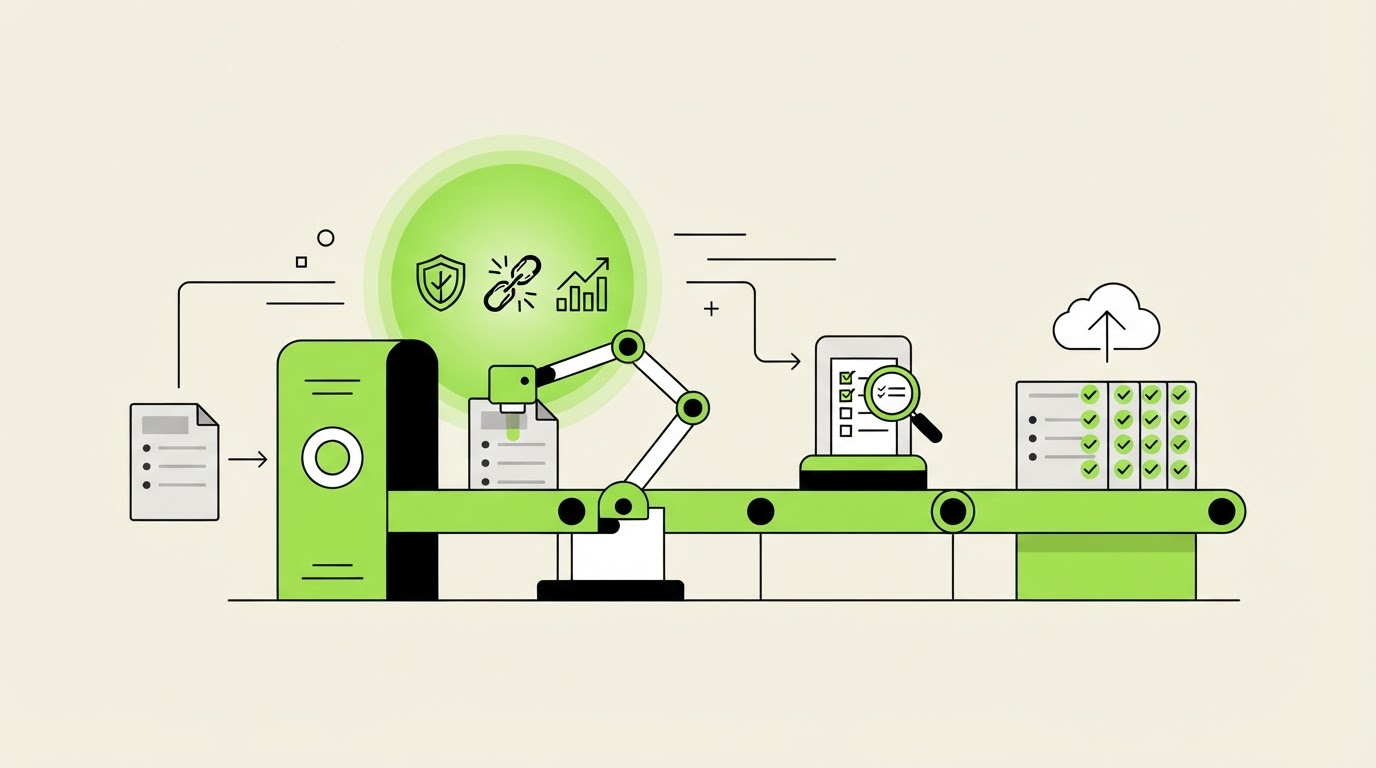
A publish button distributes every weakness in a draft at the same speed as its strengths. Use a repeatable preflight check that covers content quality and technical presentation.
First, verify claims. Check dates, definitions, regulations, product capabilities, locations, and numbers against current primary sources or approved internal material. Mark statements that need a source in the brief stage, then confirm those sources during review.
Second, test the page’s SEO implementation. Give the page a descriptive title, a useful meta description, a single clear H1, logical headings, and internal links that genuinely help the reader continue. Check for a canonical URL, indexability, image alt text, and a clean slug before scheduling.
Third, check for brand consistency. A regulated firm may require disclaimers. An ecommerce publisher may need product availability checks. A SaaS company may need product screenshots reviewed by someone who uses the feature. These requirements belong in the approval rules, where every reviewer can see them.
Use the automated SEO content pre-publishing quality checklist when setting up these checks. It is especially useful for teams moving from one-off drafts to a recurring content queue.
One failure mode deserves special attention: publishing multiple pages aimed at nearly identical queries. The pages can compete for the same internal links, external references, and search visibility. Maintain a keyword-to-URL map and require an editor to approve every new target URL.
How Rankdesk supports WordPress publishing workflows
A dependable workflow takes time when research lives in spreadsheets, reviews happen in email threads, and WordPress is only opened at the end. Rankdesk brings the research and article-production work closer to the point where editorial decisions are made.
Start by using Rankdesk to research your site, competitors, and relevant keyword opportunities. For Harbor Ledger, the team would identify the existing quarterly-tax URL before drafting, then turn the two distinct opportunities into separate article assignments.
Next, create search-focused drafts from those assignments. The editor reviews each article against the operating sheet, adds firm-specific expertise, confirms claims, and sends weak sections back for revision. Rankdesk supports a review-first process when the topic carries factual or brand risk.
Then connect the content process to WordPress through the Rankdesk WordPress integration. Approved work can move into the publishing workflow with its intended title, body, and schedule rather than requiring a manual copy-and-paste handoff for every post.
Finally, inspect the live URL after release. Confirm that WordPress rendered headings, links, media, and metadata as expected. Record the published URL in the topic map, then use Search Console performance signals to prioritize updates. This loop makes future briefs better because the team can see which subjects attracted impressions, clicks, and useful follow-up opportunities.
Teams publishing to several destinations can review the available Rankdesk integrations before committing to a workflow. For custom publishing stacks, the AI content publishing API guide covers the decision points around controlled delivery.
Set a publishing cadence that your team can actually review
Publishing more often increases the volume of reviews, corrections, internal-link decisions, and performance checks. Set a cadence based on reviewer capacity and the depth required for each topic.
Harbor Ledger has one tax manager who can review two technical posts each week. The team schedules one article every Tuesday and one every Thursday, leaving a buffer for requested revisions. The quarterly-tax refresh goes live first because the existing URL already has search visibility. The bookkeeping article follows after its source review.
Avoid loading a month of posts into WordPress without a mid-cycle review. Search demand shifts, service pages change, and one strong article may reveal a better follow-up topic than the original plan. Review the next two to four scheduled posts weekly and adjust their briefs when needed.
A content calendar should also reserve room for updates. Every four new posts, schedule time to refresh an older URL, repair broken links, or consolidate overlapping pages. This makes the publishing system easier to maintain as the archive grows.
Measure what happens after posts publish
Publishing completes a workflow stage. It begins the measurement stage.
Check the live page on publication day. Confirm the URL resolves correctly, the page is indexable, key internal links work, and the excerpt or featured image appears correctly in the theme. Submit important URLs for inspection in Search Console when appropriate.
After enough time for search data to accumulate, assess the page by intent. Look at impressions, clicks, average position, engaged visits, assisted conversions, and internal-link paths. A page with impressions and weak clicks may need a clearer title or a closer match to the result-page intent. A page with traffic but weak conversion paths may need stronger links to the relevant service or product page.
AI assistants also tend to reward pages that make entities, authorship, dates, supporting evidence, and direct answers easy to identify. Clear sections, current information, first-party expertise, and citations improve the chances that a page can be understood and referenced. Read How to Get Mentioned by ChatGPT for a practical entity and source framework that complements search-focused publishing.
FAQ about auto publishing blog posts
Can I auto publish blog posts directly to WordPress?
Yes. WordPress supports scheduled publishing, and a connected content workflow can send approved drafts into WordPress. Keep approval separate from scheduling so a draft only enters the release queue after factual, brand, and SEO checks are complete.
How many blog posts should I schedule at once?
Schedule only the number your reviewers can validate and your team can monitor after release. A two-week queue usually provides useful consistency while leaving room to react to performance data, product changes, and editorial corrections.
Will automated publishing hurt Google rankings?
Search performance depends on the usefulness, accuracy, technical quality, and originality of each page. A controlled workflow with topic mapping, expert review, source checks, and post-publication monitoring supports stronger pages than a high-volume queue without those controls.
Should every automated draft receive human review?
Use human review for pages containing regulated advice, product claims, pricing, legal statements, health information, or important commercial decisions. Lower-risk evergreen topics can use a lighter review path once the team has validated the templates, sources, and publishing rules.
How do I prevent duplicate blog topics?
Maintain one keyword-to-URL map. Before assigning a new brief, search the site, inspect Search Console queries, and decide whether the opportunity belongs in an existing page, a new article, or a consolidated guide. Assign one primary intent to each URL.
If you want a more consistent way to plan, review, and schedule search-focused posts, see how Rankdesk works. It researches your site, competitors, and keywords, then creates articles and landing pages for review or automated publication.
Want articles like this on your site?
Rankdesk plans, writes and publishes SEO content for you. Start free and generate your first 3 articles.