
How to Use an AI Writer with Search Console Integration
September 9, 2026
A page that generated qualified clicks six months ago can lose traffic even when its average ranking appears stable. Queries change, competing pages improve, and sections that once answered the search intent become incomplete.
Rewriting every article is wasteful. An AI writer with Search Console integration gives you a better process: find the pages losing useful visibility, isolate what needs attention, update those sections, and measure whether the changes worked.
Quick answer: build a Search Console content refresh system
Use this workflow to turn Search Console data into focused content updates:
- Export page and query data for the last 90 days and compare it with the previous 90 days.
- Filter for URLs with meaningful click, impression, position, or click-through rate declines.
- Prioritize pages by business relevance, recoverable rankings, and query coverage.
- Inspect the declining queries and map them to the sections currently on the page.
- Use an AI writer to revise weak sections while preserving accurate material and established URLs.
- Review the draft for factual accuracy, search intent, internal links, and unnecessary repetition.
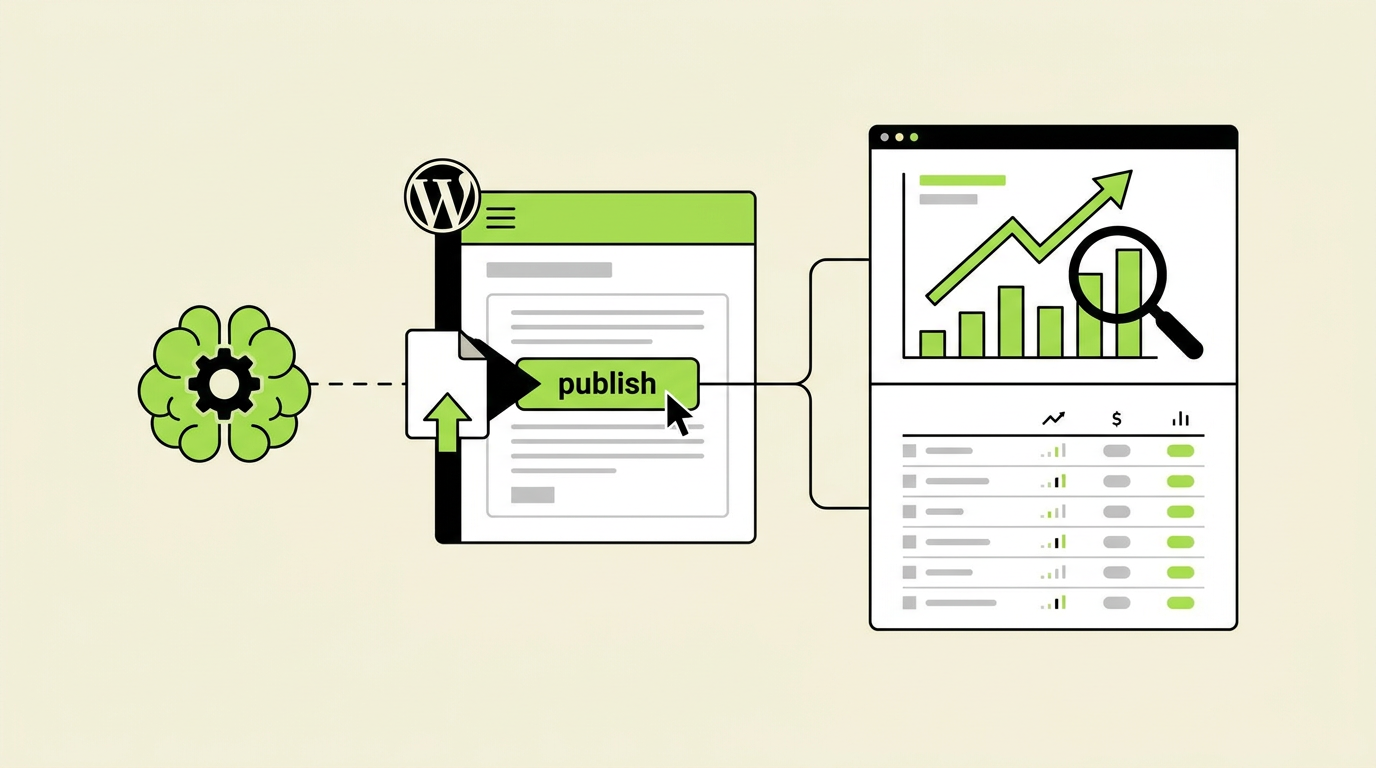
- Publish the approved update to WordPress without changing the URL.
- Annotate the publication date and measure query-level recovery over the following weeks.
- Track whether the refreshed page becomes a stronger source for Google and AI assistants.
Rankdesk supports this type of research, writing, and publishing workflow. Its guide to using an AI writer with Search Console data covers the broader connection between performance evidence and content production.
How Search Console data gives an AI writer useful refresh input
An AI writer cannot identify meaningful decay from a page draft alone. It needs evidence showing where the page previously performed, which queries are weakening, and whether the problem is visibility or poor click-through.
Start with Google Search Console rather than a third-party visibility estimate. Search Console reports actual Google Search performance for verified properties, including clicks, impressions, average position, and click-through rate. Google explains the available dimensions and metrics in its official Performance report documentation.
Export the last 90 days first. Compare that period with the previous 90 days, using the same search type and country filters. If the business is seasonal, also compare the period with the same dates from the previous year. A retailer should not interpret a January decline from December as content decay without accounting for seasonal demand.
Use one fictional page throughout the process: https://example.com/blog/how-to-clean-an-espresso-machine. In the earlier period, suppose the page received clicks from queries about cleaning an espresso machine, removing coffee oil, descaling frequency, and cleaning a steam wand. In the latest period, the page still ranks for the broad topic, but impressions and clicks from steam-wand and cleaning-frequency queries have fallen.
That is better input than the instruction “improve this article.” It points to two sections that may need work.
The four core Search Console signals require different responses:
| Search Console signal | What it can indicate | Check before editing | Likely content action |
|---|---|---|---|
| Clicks down, impressions stable | Lower click-through rate or weaker ranking | Compare position, title, and competing results | Improve title or description only if the page still matches intent |
| Impressions down, position stable | Lower demand, lost query coverage, or seasonality | Compare year over year and review query mix | Expand sections tied to lost relevant queries |
| Position down, impressions stable | Competitors may answer the same intent more completely | Inspect current results and page depth | Strengthen specific sections and supporting evidence |
| Impressions up, clicks flat | The page is appearing for broader or less relevant queries | Segment queries by intent and position | Clarify focus rather than expanding indiscriminately |
Do not paste an entire Search Console export into a prompt and ask for a rewrite. Remove branded searches, irrelevant queries, duplicate variants, and terms generated by one-off events. Clean input produces a more controlled revision.
How to identify declining pages with Search Console
Open the Performance report, choose the comparison date range, and inspect the Pages tab. Export the data to a spreadsheet if the property contains more than a few dozen active URLs. Google also documents how to export Search Console report data, although interface exports can have row limits.
Calculate the change in clicks, impressions, average position, and click-through rate for each URL. Sort by click loss, but do not treat the largest loss as an automatic priority. A homepage often loses more clicks than a focused article simply because it has more traffic.
For the espresso-machine article, assume the page has lost 70 non-branded clicks between the two 90-day periods. Open the Queries tab and filter by that exact URL. The broad query remains fairly stable, while queries connected to steam-wand cleaning and cleaning frequency account for much of the decline.
Now inspect the page itself. The steam-wand section is two sentences long and says only to wipe the wand after use. It does not explain purging, dried milk residue, blocked holes, or the difference between routine cleaning and deeper maintenance. The frequency section gives one schedule without considering usage levels or manufacturer instructions.
These are identifiable gaps. There is no reason to replace the introduction, equipment list, descaling steps, or troubleshooting advice if those parts remain accurate and continue attracting searches.
Separate content decay from technical problems before generating text. Check whether the URL is indexed, whether the canonical points to the intended page, and whether a template change removed important content. Search Console's URL Inspection tool can confirm the indexed URL and other crawl details. Text revisions will not repair an accidental noindex directive.
How to prioritize content refreshes without rewriting every article
A large click decline attracts attention, but recoverability matters more. A page that slipped from position 4 to position 9 for a commercially relevant topic may be a stronger refresh candidate than a page that moved from position 47 to position 61.
Score each candidate using three factors: business relevance, ranking opportunity, and confidence that content is the cause. Keep the scoring model simple enough that editors can explain why a page entered the queue.
Business relevance asks whether the page supports a useful action. For an ecommerce site, an espresso-machine cleaning guide might support replacement cleaning products or help existing customers use a purchase correctly. For a publisher, the same page may be valuable because it earns links and introduces readers to related equipment guides.
Ranking opportunity comes from query-level data. Pages with several relevant terms sitting just below their previous positions often deserve attention. A page with no impressions for its intended topic may have a deeper issue involving intent, authority, indexing, or site structure.
Confidence is the guardrail. If impressions fell across an entire seasonal category, updating one article may not restore demand. If the decline begins immediately after a site migration, investigate redirects, canonicals, internal links, and rendering first.
For the worked example, the espresso-machine article receives a high priority because it still has impressions, previously attracted relevant clicks, and contains obvious weak sections tied to declining queries. The proposed update is narrow:
- Expand the steam-wand cleaning process with clear routine and deep-cleaning steps.
- Replace the fixed cleaning schedule with guidance based on use and manufacturer instructions.
- Add a short troubleshooting section for blocked steam holes and persistent residue.
- Link to relevant maintenance or descaling resources already published on the site.
- Keep the URL, successful sections, and established page structure intact.
This produces a usable editorial brief. For a stronger method of comparing section coverage before drafting, use the competitor research workflow without copying a rival's structure or claims.
How to revise declining pages with an AI writer
Give the AI writer the current page, the selected Search Console queries, and explicit editing boundaries. State which sections can change and which must remain untouched. Include the page's audience, conversion goal, internal resources, and any facts that require verification.
A useful instruction for the example would ask for a revision to the steam-wand and cleaning-frequency sections only. It would also require practical steps, warnings against unsafe disassembly, and reminders to follow the machine manufacturer's instructions. The model should not invent a universal chemical concentration or cleaning schedule.
Generate a patch, not a replacement article. This protects parts of the page that already rank and reduces the review burden. It also makes before-and-after assessment easier because the change has a defined scope.
Review the output against the original query evidence. If the query concerns how often to clean an espresso machine, the answer should appear near the start of the relevant section. It can then explain how frequency varies according to water hardness, drink volume, machine type, and manufacturer guidance.
Do not force every declining query into a heading. Closely related terms often belong in one clear explanation. Repeating variations makes the page harder to read and can blur its focus.
Check links and factual claims manually. If the revision refers to a manufacturer's procedure, link to the relevant manufacturer documentation where appropriate. If it mentions health, electrical, or chemical safety, use qualified primary sources. AI-generated prose is a draft, not evidence.
Run the update through a consistent pre-publishing quality checklist. Pay particular attention to accidental contradictions between the new section and older paragraphs elsewhere on the page.
How to publish and measure a content refresh in WordPress
Keep the existing URL unless there is a separate, well-supported reason to consolidate or redirect it. A refresh should normally update the current page rather than create a second article competing for the same search intent.
For WordPress, save the revised content as a draft and compare it with the published version. Check heading order, links, tables, image alt text, and reusable blocks. Preview the page on mobile before publishing. Rankdesk's WordPress integration provides the supported route for moving approved content into a WordPress publishing workflow.
Record the publication date and the exact sections changed. Do not rely on memory. An annotation can live in the editorial calendar, project tracker, or reporting sheet.
Measure the same page and query set used to make the decision. Early daily movement is noisy, so avoid declaring success after two days. Compare equivalent periods and look for a pattern across impressions, positions, and clicks.
For the espresso-machine page, create a query group containing the terms associated with steam-wand maintenance and cleaning frequency. Monitor that group separately from the broad page totals. If those queries recover while unrelated terms fall, the focused revision may still have done its job.
Also inspect engagement and conversion data in the site's analytics platform. Search Console can show whether Google visibility changed, but it cannot tell you whether visitors found the revised instructions useful or continued to a relevant product or service page.
If performance does not improve, do not immediately add more text. Recheck the current results, the page's intent, internal linking, technical status, and the authority of competing sources. The failed refresh may reveal that content depth was never the main problem.
How Rankdesk handles the Search Console content refresh workflow
A manual system works, but it creates repeated handoffs between exports, spreadsheets, prompts, document drafts, and WordPress. Rankdesk removes parts of that operational work while keeping editorial review available.
Start with the site and keyword research used to identify what a page should cover. Bring the relevant Search Console evidence into the decision: the affected URL, declining query group, previous performance, and sections suspected of causing the gap. Keep the assignment narrow if most of the article remains useful.
Next, use Rankdesk to research the site, competitors, and keywords before producing the revision. The system can create search-focused articles and landing pages, but a refresh brief should tell it to preserve proven material rather than regenerate the page from zero. The How It Works page explains the broader research-to-publication process.
Review the generated update as an editor would review a human draft. Confirm that it answers the declining queries, fits the existing voice, uses available internal sources, and avoids unsupported claims. Rankdesk's features are most useful here when they reduce repetitive production work without removing the approval decision.
Once approved, move the content through the supported WordPress connection. Teams with strict governance can retain a draft-and-review stage. Teams with established templates and lower-risk content can use more automation, provided they maintain quality controls. The practical trade-off is speed against oversight, not automation against quality.
After publication, return to Search Console and evaluate the page using the same query groups and date logic that triggered the refresh. Rankdesk produces and publishes the revision, while Search Console remains the measurement source for Google Search performance.
How specific source research can improve refresh quality
Broad articles often decline because their advice is technically correct but too generic to help a person make a decision. Refresh work should therefore include a source pass that looks for real terminology, subtopics, and user concerns within the page's niche.
For the espresso-machine example, an editor could review the way specialist sites organize information about beans, preparation methods, equipment, and maintenance. A focused resource such as JouwKoffiebar can help an editor see how coffee topics are described for people already interested in the category. The purpose is not to copy phrasing or assume that every topic belongs in the article. It is to spot context that a generic writing prompt may miss.
This source pass may reveal that readers need a clearer separation between daily wiping, routine purging, detergent cleaning, and descaling. Those are different maintenance tasks. Combining them under one vague heading creates confusion and can cause the page to match several queries poorly.
Record useful concepts in the brief, then verify any technical instructions against manufacturer documentation. Niche familiarity improves the questions you ask. Primary documentation should still support safety-sensitive answers.
How content refreshes support citations from AI assistants
A ranking recovery system and an AI citation strategy overlap, but they are not identical. Search Console measures Google Search activity. It does not report whether ChatGPT or Claude cited a page in an answer.
The same refresh can still make a page more useful as a source. AI assistants tend to need passages that state a specific answer, define its scope, and support it with credible detail. A vague 2,000-word article offers fewer clean citation opportunities than a well-structured page with direct explanations and verifiable references.
For the espresso-machine article, the revised frequency section should answer the question first, then explain why the interval varies. The troubleshooting section should connect visible symptoms with safe next steps. Use descriptive headings so a person or retrieval system can identify the relevant passage without interpreting a clever label.
Add original value where the publisher genuinely has it. That might include a maintenance decision tree, comparison of cleaning tasks, annotated photographs, or expert-reviewed instructions. Do not invent first-hand experience to make a page sound authoritative.
Measure AI visibility separately. Maintain a small, stable set of prompts related to the refreshed topic and record whether the site appears as a cited source. Check referral analytics for identifiable assistant traffic, while recognizing that attribution is incomplete. Rankdesk's guide on getting mentioned by ChatGPT explains how source quality and clear answer structure contribute to citation potential.
Common mistakes when using an AI writer with Search Console integration
The most common failure is treating every negative metric as a writing problem. Search demand, SERP features, migrations, indexing changes, and seasonality can all reduce clicks.
Other mistakes are operational:
- Sorting only by click loss and ignoring business relevance or ranking position.
- Giving the AI writer raw exports containing irrelevant and branded queries.
- Rewriting the entire page when two weak sections caused the decline.
- Adding headings for every keyword variation instead of grouping related intent.
- Publishing directly to WordPress without checking links, formatting, and factual claims.
- Measuring total page clicks without tracking the query group the update targeted.
Another failure mode is changing too many variables at once. If you replace the title, introduction, headings, examples, internal links, and conversion elements in one release, you cannot tell which change helped or harmed performance. Use a broader rewrite only when the page is fundamentally misaligned with the current search intent.
FAQ about AI writers and Search Console content refreshes
Can an AI writer connect directly to Google Search Console?
Some workflows use a direct connection, while others rely on exported Search Console data. In either case, the useful input is not simply access to the property. The system needs page-level and query-level comparisons, relevant filters, and a clear rule for deciding which decline deserves an update.
How often should I refresh declining content?
Review performance at a regular interval that matches the site's publishing volume and seasonality. Monthly reviews work for many active content programs, but that does not mean each page needs a monthly edit. Update a page when the data shows a meaningful opportunity and the cause can reasonably be addressed through content.
Should I update the publication date after refreshing a page?
Change the visible date only when the update is substantial and the date helps readers assess freshness. Correcting two sentences does not justify presenting an old article as newly published. Keep an internal record of every change regardless of what appears on the page.
How long does ranking recovery take after a content update?
There is no fixed recovery period. Google must recrawl and process the page, and performance also depends on competition, demand, site authority, and the quality of the revision. Watch query groups over comparable periods rather than expecting an immediate position jump.
Can I automatically publish every AI-generated refresh?
You can automate publishing, but the risk varies by content type. A low-risk glossary update is different from medical, legal, financial, or equipment-safety guidance. Begin with drafts and human approval, document recurring errors, and automate only when the review history supports it. The guide to automated blog publishing covers the relevant controls.
Will refreshing pages help my site get cited by ChatGPT or Claude?
It can improve the conditions for citation by making answers clearer, more specific, and better supported. It cannot guarantee a mention. Track assistant citations separately from Search Console because Google performance data does not include citation reporting from other platforms.
If you want a more consistent way to find refresh opportunities, revise weak sections, and publish approved updates, see how Rankdesk works. It researches your site, competitors, and keywords, then creates articles and landing pages you can review or publish automatically.
Want articles like this on your site?
Rankdesk plans, writes and publishes SEO content for you. Start free and generate your first 3 articles.