

AI Content Brief Generator
A weak content brief leaves writers guessing about intent, evidence, structure, internal links, and what the page should help a reader do. The result is usually a generic draft that needs extensive editing before it is ready to publish.
Rankdesk treats the brief as part of a complete publishing workflow rather than a document that gets abandoned after drafting.
Quick answer: How to create an AI content brief
Use this workflow to generate a practical SEO content brief:
- Define the primary query, audience, page type, and conversion goal.
- Review current search results and identify the dominant intent.
- Gather supporting keywords, questions, entities, and first-party evidence.
- Build an ordered outline that answers the main query near the top.
- Add writing rules, source requirements, links, and publishing specifications.
- Review the brief for factual gaps, duplication, and brand fit.
- Turn the approved brief into a page, publish it, and measure performance.
The sections below apply that workflow to a running example: a software company creating example.com/crm-implementation-checklist for the topic “CRM implementation checklist.” The page needs to attract operations leaders, support a product trial, and provide clear enough information to be referenced by search engines and AI assistants.
Start your AI content brief with intent and a business goal
Enter more than a keyword. A useful brief needs to explain who is searching, what they are trying to complete, and what action makes sense after they get an answer.
For the example page, the audience is an operations manager preparing a CRM rollout. That person needs a sequence of implementation tasks, responsible owners, common risks, and a usable timeline. A broad article about CRM benefits would miss the request.
Specify the page type as well. A guide, comparison page, product page, template, and programmatic landing page require different structures. The CRM page is a practical guide with a downloadable checklist and a contextual path to the company’s implementation product.
Then state the conversion goal plainly: encourage qualified readers to start a trial after they understand the implementation work. This prevents the draft from forcing a sales pitch into every section.
Google advises site owners to create helpful content for people rather than pages made primarily to manipulate rankings. Its people-first content guidance is a useful standard when defining the purpose of a brief.
Build search evidence into the AI content brief
Search results reveal the format Google currently associates with a query. Review them before generating an outline.
For “CRM implementation checklist,” inspect the leading pages and record whether they use numbered phases, templates, tables, examples, definitions, or downloadable assets. Note recurring subtopics, but do not copy a competitor’s headings. Look for omissions that your company can address with real experience.
In the example, competing pages might explain data migration but give little detail about assigning field owners or defining rollback criteria. Those gaps become useful sections if the company can support them with actual process knowledge.
Add first-party material next. Product documentation, support questions, sales objections, Search Console queries, implementation notes, and subject matter expert interviews are more valuable than another pass over the same ranking pages. Rankdesk can use site, competitor, and keyword research as inputs to its broader research and publishing features.
Export the last 90 days of Search Console data first. The official Search Console performance documentation explains how clicks, impressions, queries, countries, and devices are reported. Use that data to find terminology your audience already uses and pages that could supply internal links.
Turn AI content brief research into an ordered outline
Put the direct answer near the top. A reader should not have to cross a long introduction before reaching the checklist, definition, comparison, or recommendation promised by the title.
For the CRM example, the outline should begin with the implementation phases in order: objectives, process mapping, data preparation, configuration, testing, training, launch, and post-launch review. Later sections can explain timelines, ownership, and failure modes.
Each heading should have a job. Add a short instruction beneath it describing what the writer must cover, which evidence to use, and what the reader should be able to do afterward. “Discuss data migration” is vague. “Explain how to inventory fields, assign an owner, remove duplicates, run a test import, and define rollback criteria” is usable.
Include relevant questions without turning the article into a pile of disconnected answers. Questions about cost, timing, team size, and data migration belong where they support the main workflow. Adjacent topics that require a separate intent should become separate pages.
If you plan to generate several related pages, map one primary intent to each URL. This reduces overlap and gives internal links a clear purpose. The same principle applies to bulk SEO article production, where weak topic boundaries can create dozens of near-duplicate drafts.
Set content, citation, and publishing requirements
A brief should define what “ready to publish” means. Include the target URL, title direction, meta description requirements, expected depth, internal link destinations, external source rules, visual needs, and the final call to action.
Require original examples and primary sources. AI assistants such as ChatGPT and Claude may reference pages that provide clear, accessible answers, but no content brief can guarantee a mention. Strong sourcing, explicit entity relationships, consistent facts, and crawlable pages improve the conditions for discovery and citation.
The CRM brief should require a worked implementation example, a phase-by-phase table, links to relevant product documentation, and a named reviewer from the implementation team. It should also prohibit unsupported rollout times or success rates.
Use the following comparison when deciding how much structure to put into a brief:
| Brief element | Weak instruction | Publishable instruction | Why it matters |
|---|---|---|---|
| Search intent | Write about CRM setup | Help operations managers plan a CRM rollout | Keeps the page focused on a specific task |
| Opening | Add an introduction | Give the eight implementation phases within 150 words | Answers the query quickly |
| Evidence | Add sources | Cite primary documentation for technical claims | Reduces unsupported statements |
| Example | Include an example | Follow a 50-person software company from data audit to launch | Makes abstract steps concrete |
| Internal links | Link to related pages | Link to migration, onboarding, and trial pages in relevant sections | Connects the page to the site structure |
| Conversion | Promote the product | Offer a trial after explaining implementation ownership | Matches the reader’s stage |
If publishing to WordPress, record the slug, category, author, status, featured image requirements, and any custom fields. The WordPress REST API handbook documents how posts and other content types can be created and updated programmatically.
Review an AI-generated content brief before drafting
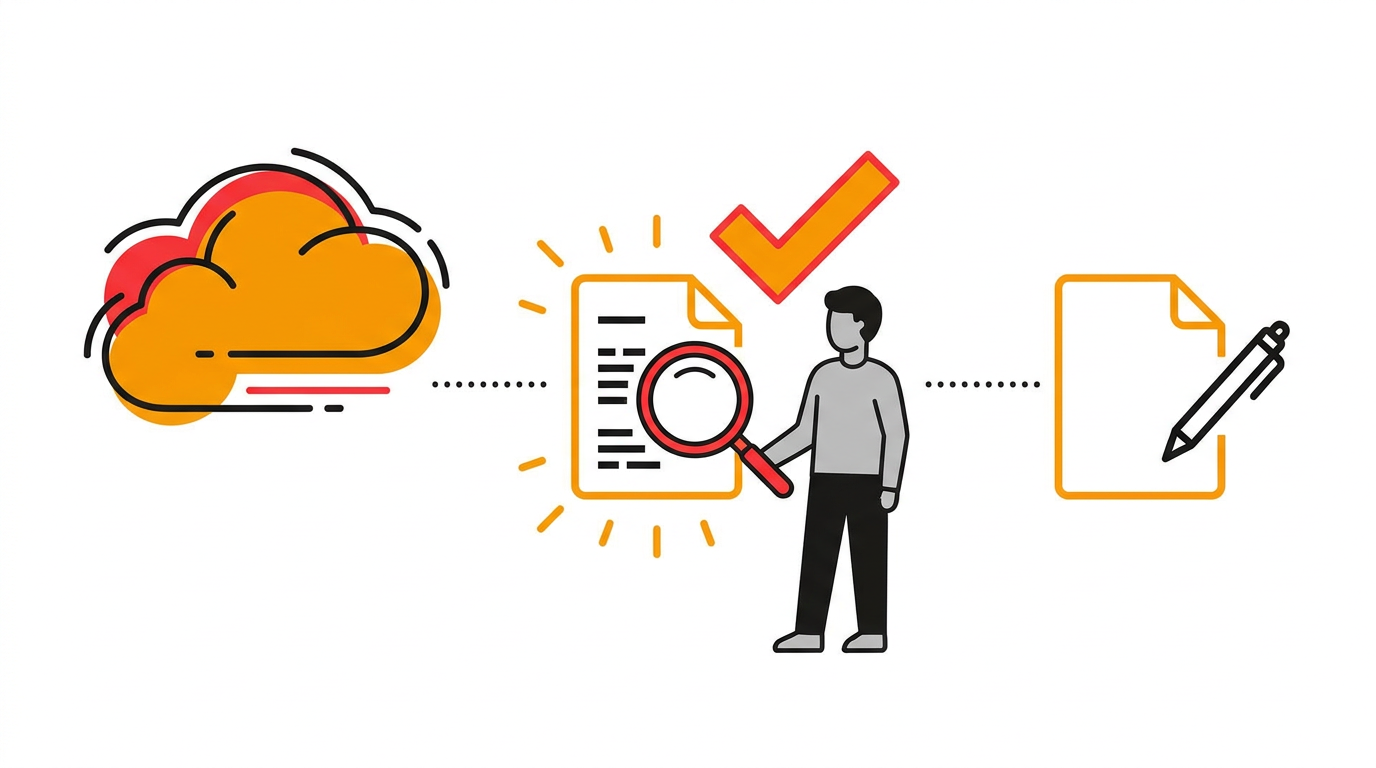
Do not approve a brief simply because it looks comprehensive. Check whether it makes a clear editorial decision.
Read the proposed headings without the notes beneath them. They should tell a coherent story in the order a reader would complete the task. Remove headings that repeat the same point with different words.
Check every factual requirement. If the brief asks the writer to quote a benchmark, identify an acceptable primary source. If no reliable source exists, remove the claim or replace it with a clearly framed example.
Review the planned links too. Internal links should help readers take the next logical step, not satisfy a fixed link count. External links should support specific claims. The finished page should not send readers to competing commercial tools when an official source is available.
The CRM brief initially placed “Choose a CRM” halfway through the implementation checklist. That section belongs before implementation or on a separate comparison page. Moving it protects the checklist’s intent and prevents the article from changing audience halfway through.
For a fuller drafting and review process, use the step-by-step editorial workflow after approving the brief.
How Rankdesk turns an AI content brief into a published WordPress page
A standalone generator usually ends when it produces an outline. The editor still has to transfer instructions, commission a draft, add links, format the page, and publish it. Rankdesk connects those stages.
Start with onboarding and site research. Rankdesk reviews the site, competitors, and keywords so the content direction is tied to the business rather than an isolated phrase. The Rankdesk workflow shows how onboarding leads into research, writing, review, and publication.
Next, use the researched direction to create the article or landing page. For the CRM example, the page must retain the chosen intent, ordered implementation phases, evidence requirements, internal links, and conversion path. Review the result before publishing when the subject includes product claims or operational guidance.
Then connect WordPress through the available publishing integrations. Instead of copying the article between tools, the approved content can move into the supported publishing workflow. Confirm the final URL, metadata, formatting, links, and publication status.
Automation saves transfer work, but it does not remove accountability. Keep human review for regulated subjects, original research, pricing claims, customer statements, and any page where an error could affect a purchasing or operational decision.
Teams planning higher publishing volume can extend the same process with the methods in this practical SEO content automation guide. Increase volume only after the brief template and review standard work reliably for one page.
Measure rankings and AI citations after publication
Publishing is the start of the feedback loop. Submit or confirm the CRM URL in Search Console, check that Google can index it, and monitor impressions and queries over several weeks.
Look for mismatches between the brief and actual search demand. If the page earns impressions for “CRM data migration checklist” but barely addresses migration, expand that section with a specific sequence and supporting evidence. If another page already owns that intent, add a clear internal link instead.
Track conversions separately from rankings. A page can attract relevant traffic yet fail because its call to action appears too early, asks for too much, or points to the wrong product path.
AI assistant mentions require manual verification because answers vary by prompt, model, location, and date. Test realistic questions, record whether your page is cited, and save the answer date. Do not present one appearance as permanent visibility. The guide on earning mentions from ChatGPT explains how entity clarity, useful evidence, and consistent site information support this work.
Common AI content brief generator mistakes
The most damaging failure is producing a long outline without making decisions. Twenty headings do not compensate for unclear intent.
Another common mistake is treating every related keyword as a required heading. That creates repetitive copy and can pull the page away from its primary task. Group close concepts where they belong and remove terms that do not help the reader.
Do not automate publication before testing editorial quality. Publish one page, inspect the rendered result, validate links and metadata, and measure whether it reaches the intended queries. Fix the workflow before increasing frequency.
Finally, avoid unsupported claims about rankings or AI citations. A content brief can improve consistency and evidence. It cannot promise a position in Google or a mention from a particular assistant.
AI content brief generator FAQ
What should an AI content brief include?
It should include the audience, search intent, page type, conversion goal, target URL, ordered outline, section instructions, evidence requirements, internal links, external source rules, metadata, brand constraints, and publishing specifications. Add named reviewers when the topic requires specialist approval.
Can an AI content brief generator replace keyword research?
No. It can organize keyword and competitor inputs, but the quality of the brief depends on the evidence supplied. Combine search result review with Search Console data, customer language, product knowledge, and subject matter expertise.
Can I use the same brief for an article and a landing page?
Usually not. An article primarily answers and educates, while a landing page must also explain an offer, address objections, and guide a commercial action. Reuse the research where appropriate, then create a separate structure and conversion path for each page type.
Does a content brief help a page get mentioned by ChatGPT or Claude?
It can support the conditions that make citation more likely by requiring clear answers, original detail, reliable sources, consistent entity information, and accessible publication. It cannot guarantee that an assistant will retrieve or cite the page for any specific prompt.
Should AI-generated pages be published automatically?
Automatic publishing is useful after the research, writing rules, formatting, and quality checks have been proven. Start with review-required publishing. Move lower-risk page types to automatic publication only when repeated checks show that the output meets your standard.
How is Rankdesk different from a standalone brief tool?
A standalone tool may stop at keywords and an outline. Rankdesk connects site and competitor research with article or landing page creation and supported publishing workflows. That reduces the manual handoffs between planning, drafting, review, and publication.
If you want a more consistent way to turn content briefs into search-focused pages, see how Rankdesk works. It researches your site, competitors, and keywords, then creates articles and landing pages you can review or publish automatically.
Start auto-writing for your site today
Create a free account, connect your site and generate your first article in minutes. No credit card needed.