
Automated SEO Content for Topic Clusters: From Keyword Map to Internal Links
October 2, 2026
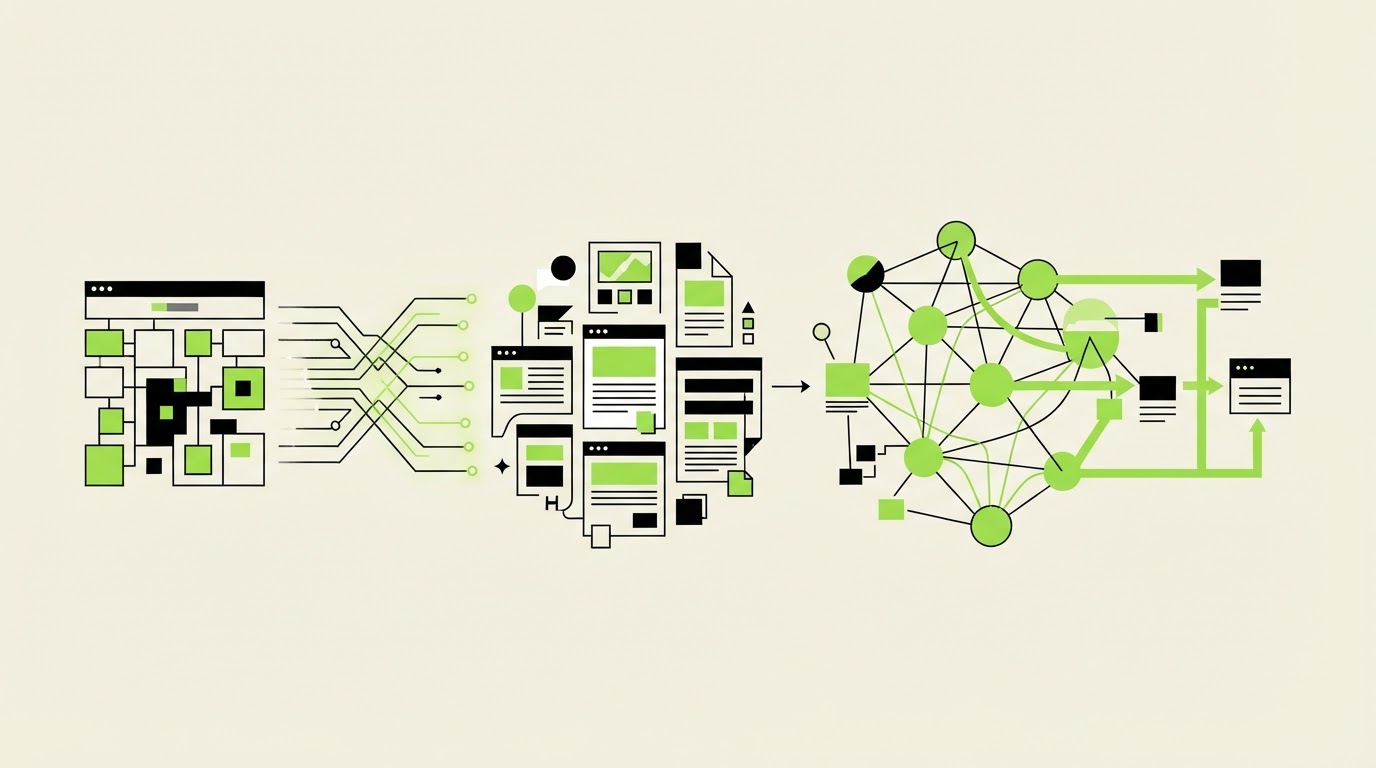
Publishing many articles without a cluster plan often creates pages that compete for the same query, receive few internal links, and leave key commercial pages buried. The fix starts before drafting: map one search intent per URL, establish a pillar page, then publish supporting pages in an order that creates useful links from day one.
Rankdesk helps turn that plan into a repeatable workflow across research, drafting, review, and publishing on platforms such as WordPress.
Quick answer: how to plan automated SEO content for a topic cluster
Use this workflow to build a topic cluster that search engines and readers can follow:
- Choose one commercial or high-value informational outcome for the pillar page.
- Group related keywords by intent and assign every group to one destination URL.
- Create a pillar brief and supporting article briefs before generating any drafts.
- Publish the pillar and the first foundational support pages first.
- Add contextual internal links in both directions as each new page goes live.
- Use descriptive, varied anchor text that tells readers what each linked page answers.
- Review performance and expand gaps only after the initial cluster has been crawled and indexed.
How to build a keyword map for automated SEO content
A keyword list is raw material. A keyword map makes editorial decisions. Its job is to prevent five URLs from trying to answer the same question while leaving a high-intent topic uncovered.
Start with a single cluster goal. For example, a bookkeeping software consultancy may want qualified leads for its implementation service. Its pillar URL could be:
/bookkeeping-software-implementation/
The pillar needs broad, decision-stage coverage: what implementation includes, the process, timelines, integrations, migration risks, and how to choose a partner. Supporting articles should answer narrower searches that naturally lead readers toward that service.
For the working example in this guide, use these URLs:
/bookkeeping-software-implementation/as the pillar page/migrate-accounting-data-to-cloud-software/for migration intent/accounting-software-integration-checklist/for operations intent/bookkeeping-software-implementation-cost/for budget research/how-to-choose-bookkeeping-software-consultant/for vendor evaluation/accounting-software-training-plan/for post-launch adoption
Group topics by the page a searcher needs, rather than by small wording differences. “Accounting data migration checklist” and “how to migrate accounting data” can usually sit on one strong migration guide. Meanwhile, “bookkeeping software implementation cost” needs its own page because the visitor is evaluating budget and scope.
Use a spreadsheet or database with these fields: target URL, primary intent, secondary questions, parent page, proposed title, stage, and planned inbound links. Add a “keep or merge” decision before content production begins. That one column prevents a large share of keyword cannibalization.
For a deeper research process, follow this keyword research and content writing workflow. It helps connect opportunity selection with the page format required to serve the intent.
Google recommends organizing a site logically and making links crawlable so its systems can discover related pages. Its guidance on creating crawlable links is a useful technical baseline when you plan a large cluster.
Plan the pillar page and supporting articles
A pillar page earns its role by answering the broad parent topic better than a short category page can. It should give readers enough detail to understand the subject, make an initial decision, and choose the next relevant guide.
Build the pillar outline first. For the bookkeeping implementation example, it would cover implementation phases, data migration, integrations, team training, cost drivers, partner selection, and common launch delays. Each section becomes a candidate supporting article when it has distinct search demand and enough depth for a standalone answer.
The table below separates page jobs inside the cluster.
| URL | Primary reader need | Role in the cluster | Links to add at publication |
|---|---|---|---|
/bookkeeping-software-implementation/ | Understand and evaluate implementation | Pillar | Link to every foundational support page |
/migrate-accounting-data-to-cloud-software/ | Plan a safe data migration | Supporting guide | Link to pillar, integrations checklist, training plan |
/accounting-software-integration-checklist/ | Prepare systems and workflows | Supporting guide | Link to pillar and migration guide |
/bookkeeping-software-implementation-cost/ | Estimate project scope and cost | Decision-stage support | Link to pillar and consultant selection guide |
/how-to-choose-bookkeeping-software-consultant/ | Evaluate service providers | Decision-stage support | Link to pillar and cost guide |
/accounting-software-training-plan/ | Prepare staff adoption | Supporting guide | Link to pillar and migration guide |
The failure mode here is publishing only supporting posts. They may earn impressions individually, yet readers and crawlers have no comprehensive destination that unifies the subject and supports conversion. Publish the pillar early, even if a few linked articles are still in production.
Give each supporting article a unique promise. The migration guide should include a sequence for exports, field mapping, reconciliation, and validation. The cost page should explain scope variables and questions to ask during scoping. Repeated introductions and interchangeable subheadings are warning signs that two pages need to merge.
Choose the publishing order for a new topic cluster
Publishing order affects how quickly a cluster becomes usable. Launch pages in a sequence that creates contextual connections immediately.
Start with the pillar page. Then publish two foundational guides that support its most important sections. In the bookkeeping example, launch migration and integrations next. Those guides give the pillar meaningful destinations, while each support page can link back to a live parent.
Publish the decision-stage pages after that. The cost and consultant-selection articles can then link to a well-developed informational base. Finish with the training guide, which captures a specific operational need and rounds out the implementation lifecycle.
A practical schedule looks like this:
- Week 1: Pillar page plus migration guide.
- Week 2: Integrations checklist and training plan.
- Week 3: Implementation cost guide.
- Week 4: Consultant-selection guide and a full internal-link review.
This sequence avoids an orphaned-content problem. Every page launches with at least one internal link in and two relevant links out. Add each new URL to the pillar during the same publishing task. Waiting for a quarterly clean-up commonly leaves clusters incomplete for months.
After publication, submit updated sitemaps and inspect priority URLs in Search Console. Google’s SEO Starter Guide also emphasizes helpful, people-first content, which should govern every generated draft and editorial review.
How to use anchor text and internal links at scale
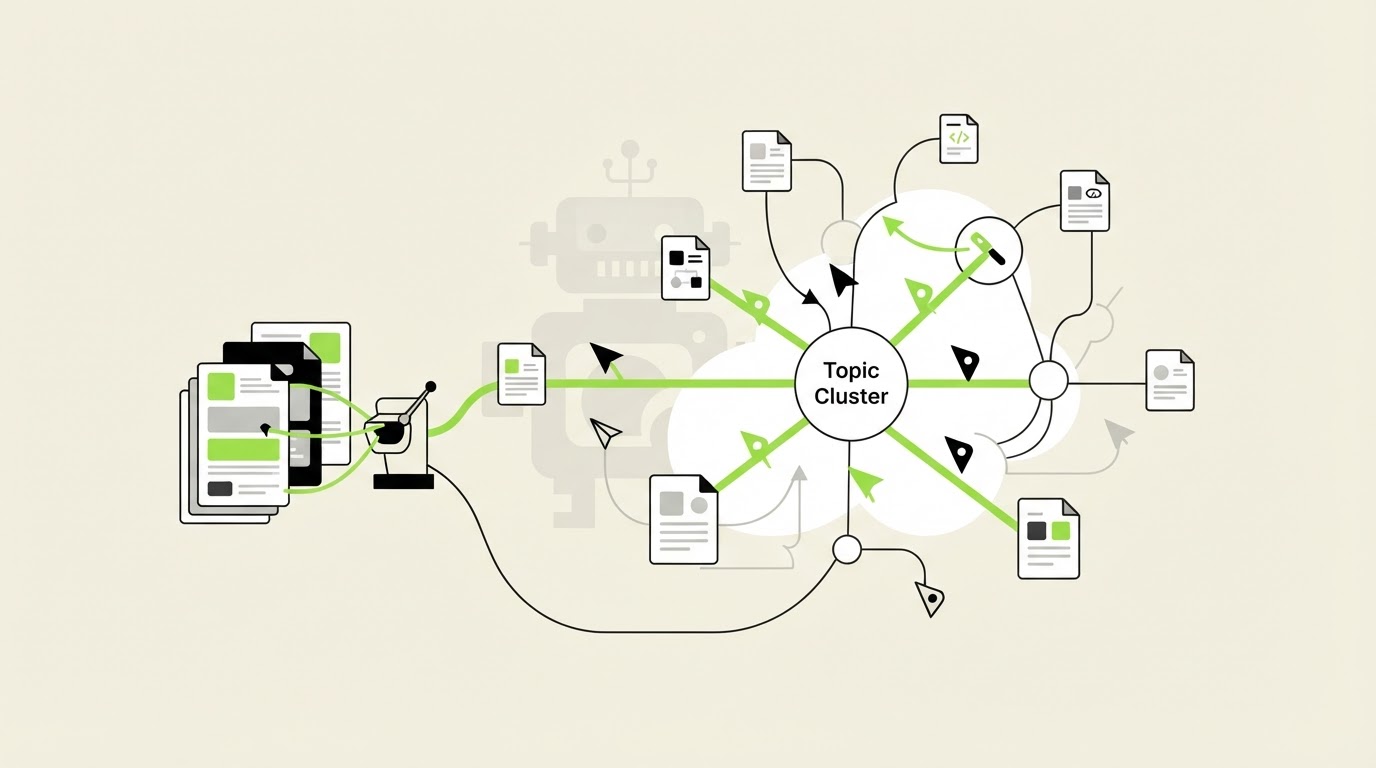
Internal linking works when a reader can predict what a click will deliver. Match the anchor to the destination’s actual subject and use it in a sentence where the next step makes sense.
On the pillar page, the implementation section might say: “Use our accounting software integration checklist before you finalize the migration plan.” The destination is specific, the reason for the click is clear, and the link belongs near the relevant decision.
On the migration guide, use a return link such as “See the full bookkeeping software implementation process for the project sequence and ownership model.” This reinforces the parent-child relationship while giving the reader a broader resource.
Vary wording without disguising the topic. Suitable anchors for the same pillar include “implementation process,” “software implementation guide,” and “full implementation plan.” Avoid generic anchors such as “read more,” and avoid forcing the exact same keyword into every link.
For each new support article, add these links during editing:
- One contextual link to the pillar page.
- One link to a sibling article that solves the next likely question.
- One or two inbound links added from older, relevant pages.
- A link to a commercial or conversion page only when the reader has reached that decision stage.
The bookkeeping cost guide reveals a common linking mistake. Its first draft linked directly to the consultancy contact page in the opening paragraph. Readers searching for cost still needed scoping guidance, so the stronger route was cost guide to consultant-selection guide to contact page. The resulting path respects the reader’s stage and creates a more coherent cluster.
Use a controlled linking sheet for scale. Record source URL, destination URL, anchor text, link location, and status. This catches duplicate anchors, missing pillar links, and links pointing at pages that have moved.
How Rankdesk supports automated SEO content on WordPress
Manual cluster management becomes slow when research, briefs, drafts, and publishing live in separate tools. Rankdesk provides a connected route from a topic map to publication while retaining an editorial review step.
Start by defining the pillar topic and the URLs you intend to create. Rankdesk researches your site, competitors, and keywords to inform the page angle and coverage. For the bookkeeping example, the research phase separates broad implementation intent from narrower migration, cost, integration, and training needs.
Next, create the pillar before creating its supporting drafts. Review the proposed structure against your keyword map. Confirm that each article has a distinct job and assign internal-link destinations in the brief, rather than asking editors to invent links after writing.
Then generate drafts one at a time or in planned batches. Review factual claims, product terminology, URLs, and link placement before approval. Use the automated SEO content pre-publishing checklist as a final control for pages that will publish through a workflow.
Connect WordPress through the Rankdesk WordPress integration, then publish in the sequence you set. The pillar can go live first, followed by foundational articles and decision-stage pages. Teams that need broader technical options can review the available publishing integrations.
This workflow also supports visibility in AI-assisted search experiences. Clear entity definitions, first-hand operational detail, well-labeled sections, and strong source citations give systems more usable material to reference. Rankdesk’s AI search optimization guidance explains how search-focused pages can be structured for that emerging discovery channel.
Review and expand your automated SEO content cluster
Give a new cluster time to be crawled and indexed, then review it at a fixed interval. Export the last 90 days of Search Console data first. Check which URLs receive impressions, which queries each URL earns, and whether two pages surface for the same intent.
When the pillar ranks for a narrow support-page query, strengthen the support page’s unique section and add a clearer internal link from the pillar. When a support page ranks for the broad parent query, assess whether the pillar needs better coverage, stronger links, or a clearer title and introduction.
Expand only where evidence shows a real gap. In the bookkeeping cluster, recurring searches around data validation could justify /accounting-data-migration-validation/. A second generic migration article would dilute the existing guide.
Refresh links when publishing new pages. A cluster is a maintained system, and each useful addition can improve paths through the existing content. For a wider operational view, read how to automate SEO content creation from research to publishing.
FAQ about automated SEO content and topic clusters
How many supporting articles should a pillar page have?
Start with three to six pages that answer distinct, high-value subtopics. The right number depends on the depth of the parent subject and the evidence in your keyword map. Add pages when they serve a separate intent, provide enough material for a useful standalone resource, and fit a clear internal-link path.
Can one article link to more than one pillar page?
Yes, when the article genuinely serves both subjects. Keep one primary parent page, then add a secondary link only where it improves the reader’s next step. A migration guide may support both an implementation cluster and a data-security cluster, for example.
How often should internal links be updated?
Update relevant older pages whenever you publish a new cluster article. Run a broader review every quarter, plus after site migrations, URL changes, or major content consolidation. Check for redirects and broken destinations during each review.
Does automated SEO content need human review?
Yes. Review confirms search intent, factual accuracy, brand terminology, link destinations, and conversion paths. It also catches pages that sound plausible yet fail to offer the detail a reader needs to act.
If you need a consistent way to build topic clusters from research through WordPress publication, see how Rankdesk works. It researches your site, competitors, and keywords, then creates articles and landing pages for review or automated publishing. Read next: AI Content Optimization Tool.
Want articles like this on your site?
Rankdesk plans, writes and publishes SEO content for you. Start free and generate your first 3 articles.